Tools/AI agents
Cursor reviewed: an AI code editor billed past its sticker price
Cursor bundles an editor, a terminal agent and cloud runs behind one subscription. What the two usage pools really cost, and when Copilot, Claude Code or Cline is the better buy.
- Type
- AI code editor
- Pricing
- Free · Pro from $20 per month
Balázs Csorba··10 min read
- AI code editor
- Coding agents
- CLI
- Usage-based pricing
- MCP
Key takeaways
- Cursor's $20 Pro is the entrance price: the vendor's own docs put daily agent use at $60 to $100 a month of total usage, and power users at $200 or more.
- Usage splits into two pools, Cursor Models for Grok and Composer at an included rate, and Other Models at each third-party model's API price.
- On Teams and Enterprise every third-party request adds a Cursor Token Rate of $0.25 per million tokens, while first-party Grok and Composer are exempt.
- No page publishes how many requests or tokens a Pro, Pro Plus or Ultra allowance contains, only that on-demand usage continues at the same API rates.
- Privacy mode is what carries the guarantee that code is not used for training, so the promise depends on a setting rather than on the plan tier.
Cursor is an AI code editor built on a VS Code fork, sold by Anysphere, and by now also a terminal agent, a set of cloud agents and a code review bot that all draw from the same subscription. The position taken here: it is the most complete single seat in this market, and the $20 price on the pricing page is an entrance fee rather than a working budget, because the metering that actually decides what a month costs sits one documentation page deeper.
It sits where a developer already spends the day, which is the whole strategy. Where Claude Code starts in a terminal and Copilot starts inside GitHub, Cursor owns the editor, then extends the same agent into the CLI, into CI and into cloud runs, so a team buys one licence instead of gluing four tools together. What it competes with is not just other editors but the habit of paying for a model API directly and running an open-source agent against it.
What it is
One product line with several surfaces: the desktop editor, the agent CLI, cloud agents that run away from the machine, Bugbot for pull request review, and automations. The model list behind it mixes first-party models with the frontier API catalogue, and the docs table currently runs to dozens of entries from Anthropic, OpenAI, Google, Moonshot, Meta, Z.ai and Cursor's own Grok and Composer lines.
- Vendor: Anysphere, Inc., sold only directly through cursor.com, with SOC 2, ISO 27001, ISO 42001 and AIUC-1 listed on the pricing page.
- Surfaces: desktop editor, terminal CLI, cloud agents, mobile app, Bugbot code review, and automations with shared team context.
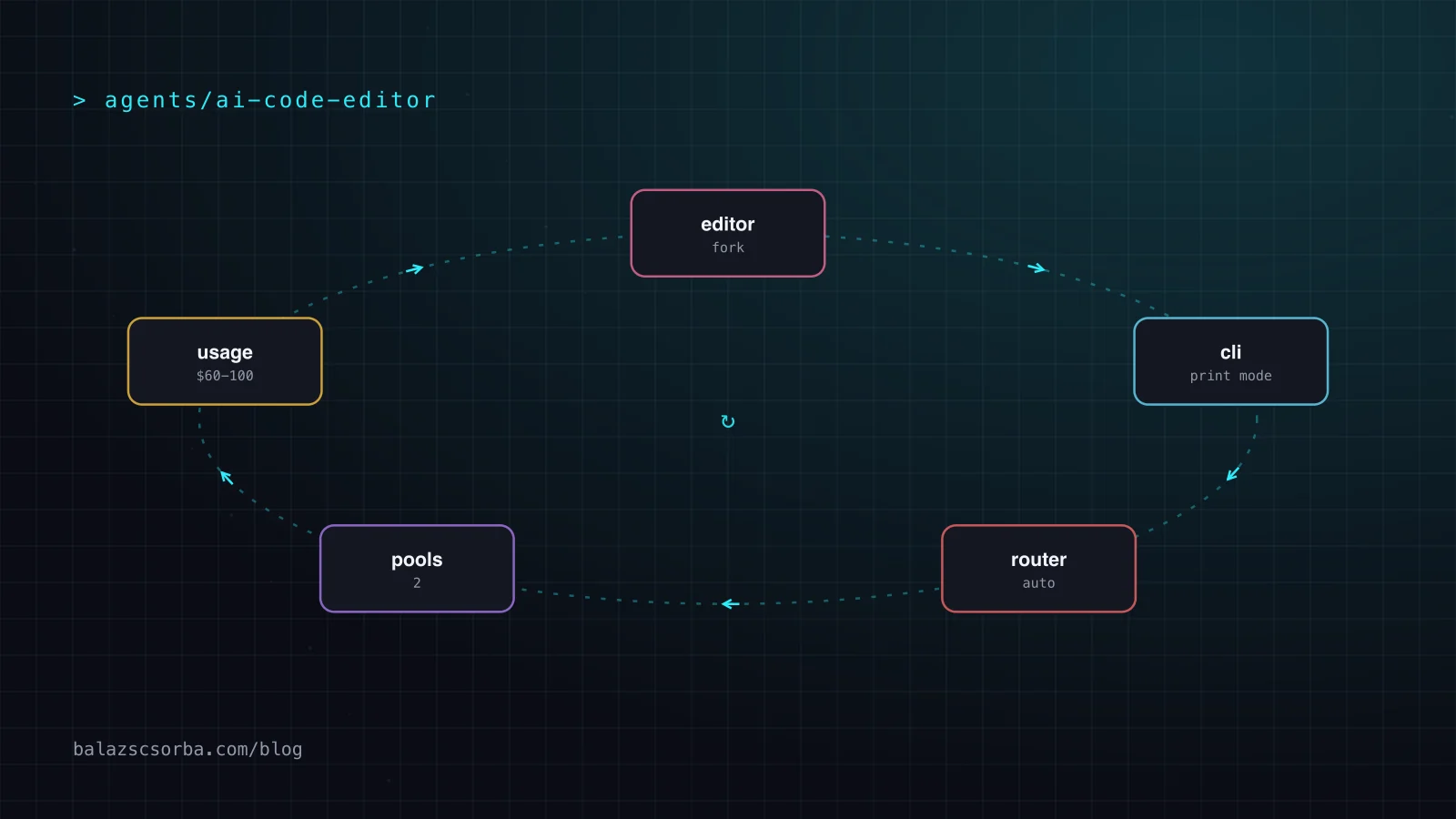
- Individual plans: Hobby free, Pro at $20 a month, Pro Plus at $60, Ultra at $200, plus a Start plan at 649 rupees a month for developers in India.
- Team plans: Teams Standard at $40 per user a month and Premium at $120, where Premium carries five times the Standard agent limits; Enterprise is custom priced.
- Usage: two pools per billing cycle, Cursor Models for Grok and Composer, and Other Models billed at each third-party model's API rate.
- CLI: installed with one curl command, three modes — Agent, Plan and Ask — and a print mode for scripts and CI.
- Extensions of the same agent: MCP servers, skills, hooks and rules, plus a marketplace for team-wide distributions.
How it works
Every request leaves through one agent loop that gathers context from the workspace, applies rules and MCP tool results, and asks a model for the next edit; the editor, the CLI and the cloud agent are front ends on that loop rather than separate products. When Auto is selected, the Cursor Router picks a model per request from the Cost, Balance or Intelligence mode, and the docs are explicit that every Auto mode bills at the list price of whichever model the request landed on.
That pooling is the design decision worth arguing about. Choosing a first-party model draws from the Cursor Models pool at an included rate; choosing Claude or GPT draws from Other Models at that model's API price, so the model picker is a cost control as much as a quality one, and the two pools reset together with the monthly billing cycle.
Modes, routing and the tab model
The interactive surfaces share one mode system, and the docs are careful to separate what is free from what is metered: completions and tab predictions are not the unit of billing, agent work is.
- Agent mode has full tool access, Plan mode designs the change first, and Ask mode is read-only; the CLI exposes all three through slash commands and
--mode. - Auto has three settings — Cost, Balance and Intelligence — and bills at the list price of the model each request is routed to.
- Fast variants are priced above the standard rate — double on the Grok lines — and long context is billed at double input on some models while several Claude and Gemini lines state no long-context surcharge.
- On legacy request-based plans, Max Mode extends a context window at the model's API rate plus 20%.
- Tab completions and next-edit suggestions are unlimited on every paid plan, so the meter only starts when an agent is thinking.
Getting started
The CLI is the shortest path to judging the tool: one install command, then the same agent that runs in the editor, with a print mode that turns it into a scriptable step. The snippet below covers the interactive case, the non-interactive case and resuming a conversation, which is the shape a CI job or a hook needs.
# install the CLI on macOS, Linux or WSL
curl https://cursor.com/install -fsS | bash

# interactive session in the current repository
agent "add retry logic to the HTTP client and cover it with tests"

# non-interactive run, for a script or a CI job
agent -p "summarise the last commit and flag risky changes" \
  --model "gpt-5" \
  --output-format text

# pick the conversation up later
agent ls
agent resume
Note what the print run does not need: no editor, no GUI, just a repository and an account. That matters for the review, because it means Cursor can be evaluated against a terminal agent like Claude Code on equal terms rather than as a prettier editor with chat in it.
Pricing
Five individual and team tiers, all public except Enterprise. The subscription buys included model usage in two pools, and everything past it continues at the same per-token rates rather than being cut off.
| Plan | Price | Model usage | What it adds |
|---|---|---|---|
| Hobby | Free | Limited agent requests, Composer access | No card required; enough to judge the editor |
| Pro | $20 a month | Both pools, on-demand afterwards | Unlimited tab completions, Bugbot, cloud agents |
| Pro Plus | $60 a month | Both pools, larger allowance | Recommended by the vendor for daily agent use |
| Ultra | $200 a month | Both pools, largest allowance | Recommended for agents running in parallel |
| Teams | $40 or $120 per user | Standard, or Premium with 5x agent limits | SAML/OIDC SSO, team privacy mode, usage analytics |
The gap worth noticing is that no page states how many requests or tokens a Pro, Pro Plus or Ultra allowance contains; the docs only say that model choice changes how fast it is consumed. Cursor's own guidance is the substitute: daily agent users typically land at $60 to $100 a month in total usage, and power users at $200 or more, which puts the honest entry price for real agent work at three times the sticker Pro.
Privacy and lock-in
Two questions decide whether a company can standardise on this: what happens to the code, and how hard it is to leave.
- Privacy mode, enabled per user or enforced by a team admin, is what carries the guarantee that code data is not used for training by Cursor or by its model providers.
- Teams add team-wide privacy mode enforcement, SAML and OIDC single sign-on, usage analytics and audit-style controls on Enterprise.
- Models are hosted by the provider, a trusted partner or Cursor itself; the docs point at a public sub-processor list rather than promising local inference.
- The editor is closed source and the subscription is the only route — the vendor states it sells directly and does not authorise resellers.
- What does travel between tools: MCP servers, skills, hooks and rules are ordinary configuration, while the agent loop, tab model and Composer outputs are not portable.
The lock-in is therefore real but layered: configuration is portable, history and agent behaviour are not. A team that standardises on Cursor's rules and skills keeps its instructions if it leaves, and loses the accumulated conversations, the tab model tuned to its codebase and the cloud agent workflows.
Where it shingles
The weaknesses are structural. The sticker price is a floor and the real one is unreproducible before purchase, because allowance sizes are unpublished and usage depends on model choice; a Claude-heavy month and a Composer-heavy month on the same plan are not the same bill. The two-pool design also steers economics, not just quality: third-party models cost API money while first-party Grok and Composer are exempt from the Teams token rate and cheaper in the Cursor Models pool, so the path of least resistance is the vendor's own models. And an agent this integrated is an agent this hard to swap out.
| Tool | What it sells | Billing unit | Where it wins |
|---|---|---|---|
| Cursor | Editor fork plus CLI, cloud agents and code review | $20 to $200 a seat, plus model usage at API rates | One licence covering editor, terminal and cloud runs |
| GitHub Copilot | Assistant inside GitHub with CLI and cloud agent | Pro $10, Pro Plus $39, Max $100; AI Credits at $0.01 each | Cheapest credible seat, with unlimited completions |
| Claude Code | Terminal agent on a subscription or API tokens | Pro $20, Max from $100; enterprise deployments report $150 to $250 per developer a month | Long autonomous sessions without owning an editor |
| Cline | Open-source extension and CLI, bring your own key | Free software; inference at cost or your own API key | No subscription, no lock-in, full control of spend |
Read against those, Cursor is the expensive middle that buys coordination: Copilot undercuts it on seat price, Claude Code reports higher per-developer spend in exchange for staying out of the editor, and Cline removes the subscription entirely while leaving the operator to assemble the same loop. The judgement is that Cursor's premium is justified only where a team actually uses the editor, the CLI and the cloud agent — pay for one surface and the other two are dead weight.
Verdict
Buy it as a seat, not as a $20 experiment. The editor is the product; the metering underneath is what a team has to instrument, and the honest budget for daily agent work starts at the Pro Plus tier rather than Pro.
- Use it when the team wants one licence covering the editor, a terminal agent, cloud runs and pull request review instead of four separate contracts.
- Use it when the codebase benefits from a tuned tab model and workspace rules that accumulate in one place rather than per tool.
- Skip it when per-developer spend must be predictable; unpublished allowances plus API-priced third-party models make forecasting guesswork without dashboard discipline.
- Skip it when the team already lives in the terminal and GitHub — a Claude Code or Copilot subscription costs less and keeps the editor choice open.
- Choose Pro Plus rather than Pro for agent work; Pro is priced for tab and chat habits, and the vendor's own usage guidance puts daily agent use at $60 to $100 a month.
- Enable privacy mode before the first commit if any of the repository is covered by a confidentiality obligation, because the no-training guarantee is attached to that setting.
Cursor is priced like an editor and billed like a model API. Judge the seat on how many of its surfaces the team actually opens, and the bill on which pool each model lands in.
Sources
- Cursor pricing — plan tiers, the usage FAQ and the privacy mode guarantee
- Cursor models and pricing docs — the two usage pools, per-model rates, the Cursor Token Rate and the usage guidance
- Cursor CLI documentation — install command, interactive and print modes, sessions and sandbox controls
- GitHub Copilot plans — Free, Pro, Pro+ and Max prices and the AI Credits unit
- Claude pricing — Pro and Max prices, Claude Code inclusion and Team seat prices
- Claude Code cost documentation — the reported enterprise cost per developer and month
- Cline pricing — the free open-source tier and bring-your-own-key billing
Frequently asked questions
How much does Cursor actually cost per month?
Pro is $20, Pro Plus $60 and Ultra $200, each covering two usage pools. Cursor's own documentation puts daily agent users at $60 to $100 of total usage a month and power users at $200 or more, and on-demand usage then bills in arrears at the same per-token API rates.
Cursor or GitHub Copilot for a small team?
Copilot Pro is $10 a month with unlimited completions and AI Credits at $0.01 each, so it is the cheaper seat. Cursor costs $20 and up but adds a fork editor, terminal CLI, cloud agents and review in one licence, which is only worth paying for if the team uses more than the editor.
Can Cursor run unattended in a CI pipeline?
Yes. The CLI installs with one curl command and has a print mode: agent -p with a prompt, a model name and an output format runs the same agent non-interactively, and agent ls plus agent resume picks the conversation up afterwards.
Does Cursor train on my code?
The pricing page guarantees that code data is not used for training by Cursor or its model providers when privacy mode is enabled, which an individual switches on or a team admin enforces. Teams plans include team-wide privacy mode, and Enterprise adds audit-level controls.