Tools/Security & compliance
detect-secrets: secret scanning with a committed baseline
What detect-secrets does, how its committed baseline differs from gitleaks and TruffleHog, why verification calls matter in CI, and where the tool stops.
- Type
- Secret detection
- Pricing
- Apache-2.0
Balázs Csorba··10 min read
- Secret scanning
- Pre-commit
- Git
- DevSecOps
Key takeaways
- detect-secrets accepts that a repository may already contain secrets. A committed .secrets.baseline records the findings and the hook blocks only new ones, so adoption needs no clean-up project first.
- Precision comes from labels rather than better regexes: detect-secrets audit plus --stats is the measurement, and --exclude-files, --exclude-lines, --word-list and the two entropy thresholds are the tuning dials.
- Verification is on by default and calls the issuing service over the network. That cuts false positives hard and needs a deliberate decision in an air-gapped CI runner.
- Version 1.5.0 from 6 May 2024 is still the newest release, with Python 3.13 support sitting unreleased on master. Pin the version and do not plan new automation around new detectors.
- gitleaks is the simpler pick for a new repository and TruffleHog is the one that confirms whether a key is still live. detect-secrets owns the audit and rotation workflow the other two do not have.
detect-secrets is Yelp's Apache-2.0 secret scanner for Git repositories, and the idea that sets it apart from every other one is the baseline. You accept that a repository may already contain secrets, you record what is in there, and from that point the tool blocks only new ones. It is a deliberately unglamorous design and it remains the right shape for a codebase nobody has time to clean. The catch is the maintenance state: 1.5.0 from 6 May 2024 is still the newest release, and the last commit on master landed in April 2026.
It belongs in the same slot as gitleaks and TruffleHog, in front of the commit or the pipeline. It is not a secret manager: it finds, it blocks, and it hands you a list of what to rotate. GitHub's own secret scanning covers repositories hosted on GitHub and needs GitHub Secret Protection before it will scan private ones, and it does nothing for GitLab, Bitbucket or a self-hosted forge. For where a scanner belongs in an agent's sandboxing story, see sandboxing coding agents in CI.
What it is
The package ships three commands, and the README is unusually clear about which one to use when. detect-secrets scan creates or updates the baseline, detect-secrets-hook checks a list of files against it and exits non-zero on anything new, and detect-secrets audit is an interactive session that labels findings as real secrets or false positives and writes those labels back into the baseline.
- Python, Apache-2.0, version 1.5.0, published on 6 May 2024, with 4,649 stars and 573 forks. The PyPI classifier says production/stable, which describes the API more than the roadmap.
- 27 detectors listed by
--list-all-plugins, in three families: regex rules for AWS, GitHub, GitLab, Slack, Stripe, OpenAI, npm, PyPI, Telegram, Twilio and private keys; entropy detectors for Base64 and hex strings; and a keyword detector that ignores the value and flags assignments to names such aspassword. - Filters run after the plugins and decide what survives:
--exclude-files,--exclude-lines,--exclude-secrets, a word list of your own identifiers, and inline pragmas. - Verification is on by default. For patterns it recognises, the tool calls the issuing service to ask whether the credential is real.
-n(--no-verify) turns that off,--only-verifiedkeeps only the confirmed ones. - The baseline is the entire state. It is a JSON file committed to the repository that stores the plugin and filter configuration plus a hashed fingerprint for every finding.
- Audit is the measurement. Labels make
detect-secrets audit --statsreport how well each detector performed on your code, which is the only way to tune it honestly. - Three deployment shapes: a pre-commit hook, a CI job over staged or tracked files, or a library through
SecretsCollectionwhen you need it inside your own tooling.
How it works
The engine has two stages. Plugins produce potential secrets, then filters and the verification policy decide which of them are reported. Transformers normalise the input first, which is why INI, YAML, XML and Markdown files can be scanned line by line without special cases per format. A serialisable settings object ties the two halves together and travels inside the baseline, so a scan on a CI runner uses exactly the configuration that produced the file on a laptop.
Verification is the mechanism that decides whether the tool is usable in practice. Since 0.12.4 a plugin can implement a verify function that asks the issuing service whether the credential is live, using the techniques catalogued by the keyhacks project. Verification is also handed five lines of context on either side of the match, because the research behind that choice found an 80 per cent chance of finding the second half of a multi-factor secret nearby. The gain in precision is large; the cost is an outbound network request on every commit that touches a matching line.
The baseline then does the separating of concerns. detect-secrets scan --baseline .secrets.baseline rescans the tree, migrates the file to the current format, adds new findings, drops the ones that disappeared and preserves the audit labels, so its diff stays small enough to review. The --slim flag pushes that further and minimises the diff between commits, at the cost of the audit feature: slim baselines cannot be audited later, so they have to be remade.
Getting started
Installation is pip install detect-secrets or brew install detect-secrets. Version 1.5.0 supports Python 3.8 to 3.12 and dropped 3.6 and 3.7; master already carries Python 3.13 support, but that change has not shipped in a release, so a 3.13 environment has to install from git. The documented setup is a pre-commit hook with the baseline as an argument.
# .pre-commit-config.yaml
repos:
  - repo: https://github.com/Yelp/detect-secrets
    rev: v1.5.0
    hooks:
      - id: detect-secrets
        args: ['--baseline', '.secrets.baseline']
        exclude: package.lock.json
Then create the baseline once, from the repository root, and commit it. From that moment the hook runs on every commit and fails only on lines that are not in the file. The first scan of an old repository can return thousands of findings, which is precisely the situation the baseline exists for.
pip install detect-secrets

# once, from the repository root: record what is already there
detect-secrets scan > .secrets.baseline

# after real leaks are rotated, or the repo legitimately grew
detect-secrets scan --baseline .secrets.baseline

# label findings once, then keep the labels
detect-secrets audit .secrets.baseline

# CI: fail the build on anything the baseline does not list
git diff --staged --name-only -z | xargs -0 \
  detect-secrets-hook --baseline .secrets.baseline
Inline allowlisting is the other half of the workflow. A line ending in # pragma: allowlist secret, or a line carrying // pragma: allowlist nextline secret above it, is skipped without touching the baseline, which is the right tool for a test fixture or a documentation example. detect-secrets scan --only-allowlisted inverts the check and reports exactly those lines, so the pragma cannot quietly become the place where real credentials hide.
Signal and noise
Out of the box the detectors are tuned for a generic repository, and the work that follows is tuning them for yours. The audit step is not a formality: it is the only measurement available, and it is manual.
- Generate the baseline, then label a representative sample with
detect-secrets audit. Nothing else in this list works without it. - Read the statistics. Detectors that produce mostly false positives get disabled with
--disable-plugin, or narrowed with--exclude-filesand--exclude-lines. - Move the entropy thresholds instead of deleting detectors:
--base64-limitdefaults to 4.5 and--hex-limitto 3.0, and those are the two dials the tool exposes. - Add a word list of your own identifiers with
--word-list, which needs thedetect-secrets[word_list]extra. - Consider the optional gibberish model for secrets that look like words. It is not on by default because it also ignores values such as
password. - Re-scan with
--baselineafter every change and read the diff of the baseline file. A shrinking diff means less noise, not fewer secrets.
The rotation workflow
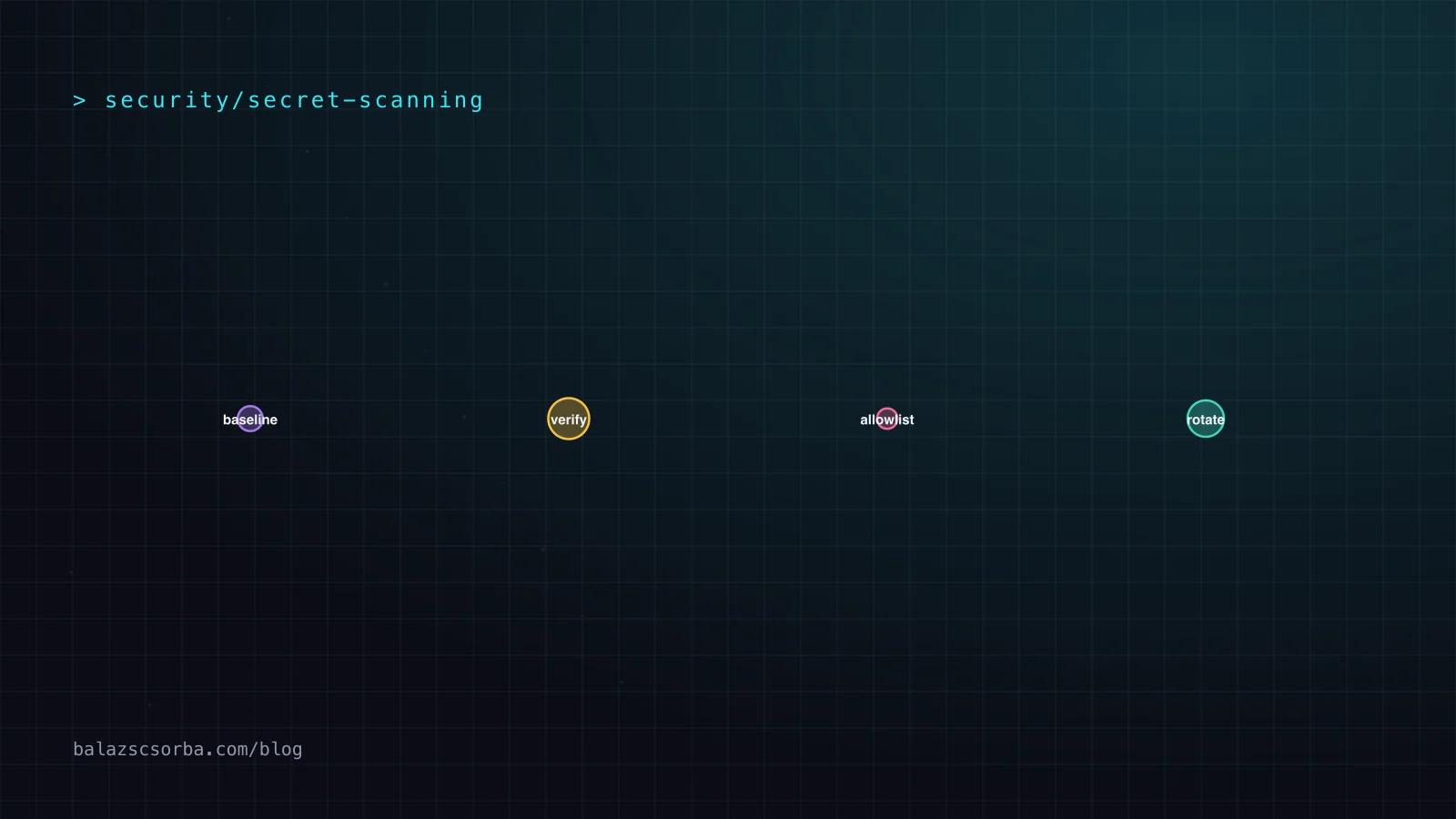
The third command is what pays for the tuning, and it is not about finding anything new. Audit labels write is_secret into the baseline; combined with --report they produce the list of credentials still sitting in the repository that need replacing. That list is what turns a scan into a security task with an owner and a deadline.
- Label first, report second. A finding marked as a real secret in the baseline is an entry in the migration list.
- Rotate at the provider, not in the repository. Deleting the file changes nothing about whether the key works.
- Re-scan with
--baselineafterwards. The finding disappears from the file, and that diff is the evidence the migration finished. - Keep history scanning separate. The tool never looks at old commits, so a rewrite or a one-off history scan is a different job.
This is the separation of concerns the README describes, and it is still the best argument for the tool. It does not demand that you clean the repository before it becomes useful, which is exactly what a scanner bolted onto a mature codebase usually demands.
Where it shingled badly
The weaknesses are structural rather than cosmetic. It will not catch a multi-line secret or a default password the keyword detector does not recognise, and the README says so in a section titled Caveats. It does not scan Git history by design, so a credential that was committed and deleted years ago is invisible to it. Custom plugins are loaded by importing an arbitrary file, which the plugin documentation flags as a security assumption of its own. And the project is in maintenance mode: 1.5.0 from May 2024 is still the newest tag, Python 3.13 support has been sitting on master since January 2025, and the issue tracker holds 184 open issues.
| Attribute | detect-secrets | gitleaks | TruffleHog |
|---|---|---|---|
| Licence | Apache-2.0 | MIT | AGPL-3.0 |
| Language | Python | Go | Go |
| Detection model | 27 detectors: regex rules, entropy strings, keyword names | TOML rule set, regex plus entropy, extended rule by rule | Over 800 classified credential types |
| Verification | Yes, a network call per recognised pattern | No | Yes, it logs in to check whether the credential is live |
| What it reads | Git-tracked files in the worktree, plus the library API | Git patches through git log -p, directories, stdin | Git, GitHub, GitLab, S3, GCS, Docker, Jenkins, Elasticsearch and more |
| Known state | Accepted findings: a committed, audited baseline | Findings from a report file used as a baseline path | Result filtering, no baseline concept |
The comparison that matters is where the effort goes. gitleaks is one Go binary with an excellent TOML rule format, faster to adopt, and its author now states plainly that the project is feature complete with security patches only and that new work has moved to a different project. TruffleHog goes the other way: it verifies credentials against live APIs, which is the only way to be sure a finding is urgent, and it pays for that with 800-odd credential types and an AGPL-3.0 licence that some legal departments will not sign. detect-secrets trades breadth for the one workflow the others lack: an audited, committed list of what is already known, and a migration off it.
Verdict
Adopt it, but as infrastructure rather than as a project. The baseline model is the correct answer for a repository with years of history and no budget for a clean-up sprint, and it produces the artefact a security review actually asks for: a list of credentials to rotate. It is not the tool to reach for in a greenfield repository, where gitleaks is simpler, or for a team that needs to know whether a leaked key still works, which is TruffleHog's job.
- Choose it when the repository already holds secrets, the history cannot be rewritten, and the goal is to stop the bleeding without a migration project.
- Keep the baseline in the repository and make its diff part of the review. A baseline that changes in an unexplained commit is the failure mode to watch for.
- Budget a day for tuning. The tool is exactly as good as its labelled baseline, and the labelling is manual.
- Pair it with server-side scanning rather than replacing it. detect-secrets blocks on a developer's machine; something still has to scan what already landed.
- Do not build new automation on the assumption that the detector set will grow. Pin 1.5.0, read master if you need Python 3.13, and budget for a successor if the project stays quiet.
Sources
- Yelp/detect-secrets: README and usage
- Yelp/detect-secrets: CHANGELOG (v1.5.0, 6 May 2024)
- Yelp/detect-secrets: plugin and verification documentation
- detect-secrets 1.5.0 on PyPI
- Yelp/detect-secrets: releases
- Gitleaks README (MIT, Go)
- TruffleHog README (AGPL-3.0, credential verification)
- GitHub Docs: About secret scanning
- betterleaks/betterleaks
Frequently asked questions
What is a .secrets.baseline and why is it committed?
It is a JSON file listing every secret the tool currently finds, together with the plugin and filter configuration and a hash of each finding. Committing it gives the pre-commit hook a stable reference: findings already listed are ignored, anything new fails the commit. It doubles as the migration checklist, because detect-secrets audit labels which entries are real secrets.
Does detect-secrets find secrets in Git history?
No, and that is deliberate: it scans the Git-tracked files in the working tree, so a credential that was committed and removed years ago is invisible to it. The README frames this as avoiding the cost of walking history on every run. History needs a separate one-off scan with gitleaks or TruffleHog, plus a rewrite if the credential was ever valid.
What do --only-verified and --no-verify do?
By default the tool tries to verify every finding by calling the service that issued the credential, using the techniques from the keyhacks project. --only-verified reports just the credentials the service confirmed, which is precise but needs outbound network access; -n (--no-verify) turns verification off entirely, which is what an air-gapped CI runner needs.
Is detect-secrets still maintained?
Stable, but quiet: 1.5.0, published on 6 May 2024, is both the latest release on PyPI and the newest GitHub tag. Commits continue at a low rate, the last one on master is from April 2026, and Python 3.13 support was merged in January 2025 without a release. Treat it as maintained rather than developed, pin v1.5.0, and read master if you need the newer Python.