Tools/RAG & retrieval
Microsoft GraphRAG: a knowledge-graph RAG priced up front
A review of Microsoft GraphRAG 3.2.0: MIT, maintenance mode, and an indexing bill that is decided before the first query runs.
- Type
- RAG pipeline
- Pricing
- MIT · API pay per token
Balázs Csorba··10 min read
- Knowledge graph
- RAG
- Global search
- Community summaries
- Token cost
Key takeaways
- GraphRAG 3.2.0 was published on 23 September 2026 under MIT, while the repository states it is largely in maintenance mode with no new features.
- The bill lands at indexing time: one model call per TextUnit and one per community report, reported at $50-200 for a 500-page corpus against under $5 for vectors.
- Global Search is the mode vector search cannot imitate, and dynamic community selection cuts its token cost by 77% without a measured quality loss.
- LazyGraphRAG reaches vector-RAG indexing cost at 0.1% of full GraphRAG, but ships in Microsoft Discovery and Azure Local rather than in the MIT package.
- The graph pays only when questions are corpus-wide or multi-hop; lookup-heavy workloads stay cheaper on plain vector search.
GraphRAG is Microsoft Research’s MIT-licensed pipeline that turns a corpus into a knowledge graph, clusters it with the Leiden algorithm and writes an LLM summary for every community before a single question is asked. The position taken here is that it remains the most rigorously documented graph RAG available, and that the interesting part is no longer the engineering: the repository is in maintenance mode, and the question a team actually has to answer is whether the indexing bill can be justified against vector search.
It competes with plain vector RAG, with lighter graph pipelines such as LightRAG, and with the graph retrieval built into LlamaIndex and Neo4j tooling. The distinction matters because GraphRAG is not a service: it is a Python package that spends the reader’s own tokens building an index and then exposes four query modes as library functions. Nothing is billed or hosted by Microsoft, and the README states that the code is a demonstration rather than an officially supported offering.
What it is
The design is deliberately front-loaded. Documents are split into TextUnits, an LLM extracts entities and relationships from each unit, duplicate descriptions are merged and summarised, Leiden clustering assigns the graph to a hierarchy of communities, and a further LLM pass writes a report for every community at every level. Only then does a question run, and by then the expensive work has already been paid for.
- MIT licensed, shipped as
graphragon PyPI, current release 3.2.0 of 23 September 2026, Python 3.11 to 3.13. - About 36,200 stars, 3,800 forks and 495 commits on GitHub, with 49 open issues and pull requests.
- TextUnits default to 1,200 tokens: larger chunks index faster and extract less precisely.
- Community detection is hierarchical Leiden and costs no model calls; summarising every community does.
- Four query modes ship in the package — global, local, DRIFT and basic — plus dynamic community selection for global search.
- The CLI names four indexing methods: standard, fast, standard-update and fast-update, with a separate update command for changed documents.
- Every call goes to the reader’s own endpoint — Azure OpenAI, OpenAI or a compatible service — so cost is a function of model price and corpus size.
Two consequences follow. The index becomes an asset rather than a by-product: entity descriptions and community reports are readable artefacts that can be reviewed, shared and versioned like any other output. And the graph is only as good as the extraction pass, so a corpus whose entity types matter has to be tuned before the first full run rather than after it.
How it works
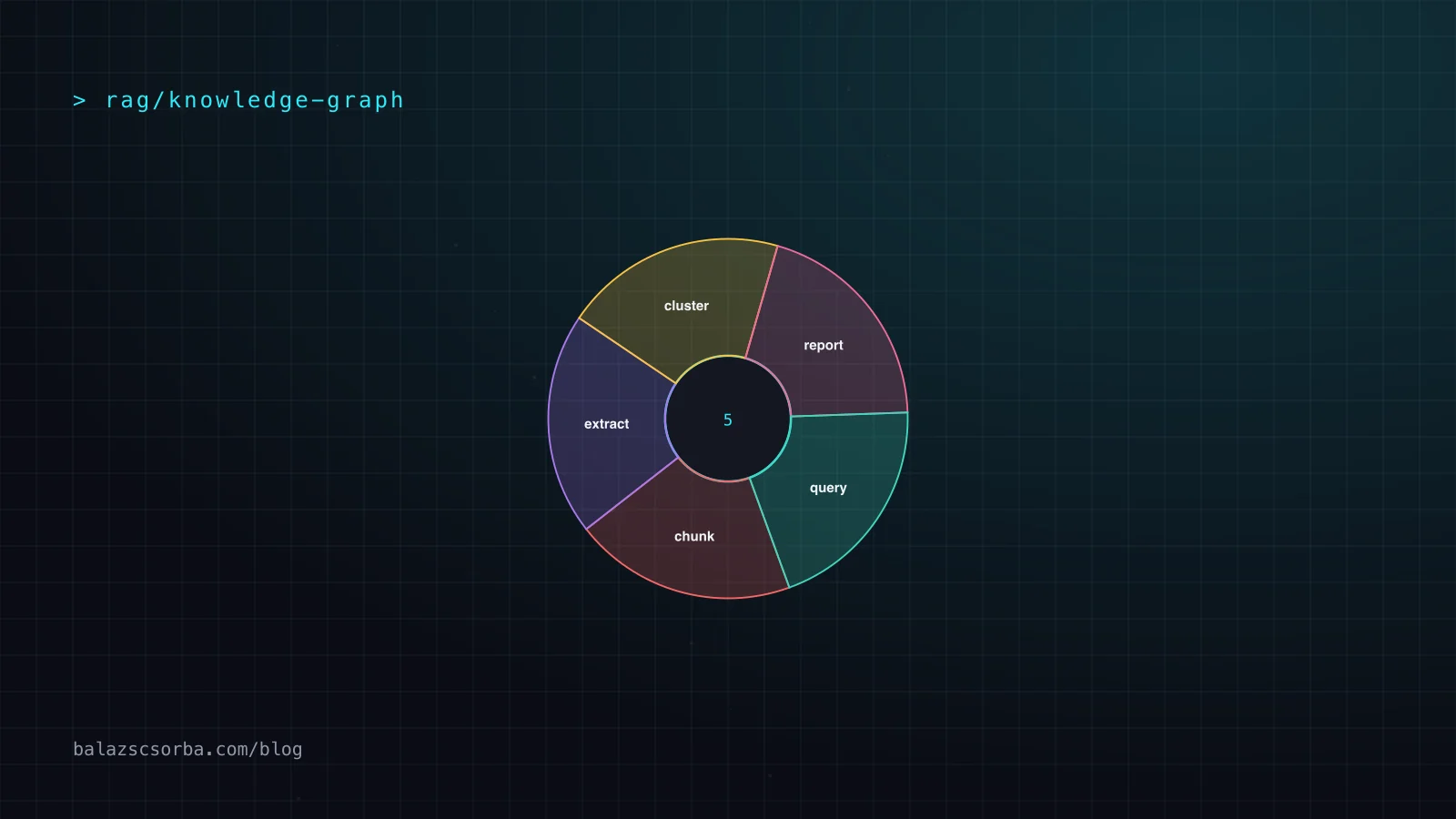
Indexing is a fixed sequence: chunk, extract, merge, cluster, summarise, embed. Every stage either costs one model call per unit of text or costs nothing, and that boundary is where the bill comes from — one extraction call per TextUnit, one summarisation call per merged entity or relationship, and one report call per community at every level of the hierarchy.
The four modes are the product surface. Global Search runs map-reduce over community reports and is the mode vector search cannot imitate, because no chunk contains a corpus-wide answer. Local Search walks the graph around named entities and costs roughly what vector retrieval costs with traversal on top. DRIFT starts from the most relevant reports, asks follow-up questions and answers each of them locally. Basic Search is the package’s own vector RAG, included so a team can measure what the graph buys on its own data.
Getting started
The entry point is a directory, an init command and two files. The sequence below creates a workspace, points it at a workable model, indexes a small input folder and asks a global question; settings.yaml is where the bill is set, so a first run should stay on a small corpus and an inexpensive model until the prompts have been tuned.
python -m venv .venv && source .venv/bin/activate
python -m pip install graphrag

mkdir ragtest && cd ragtest
graphrag init -r . -m gpt-4.1 -e text-embedding-3-large
# write GRAPHRAG_API_KEY into the .env that init created
# drop a few .txt or .md files into ./input, then index:
graphrag index -r . -m standard

# global is the default; this prunes reports before the map-reduce step
graphrag query "What are the top themes across these documents?" -r . \
  --dynamic-community-selection

graphrag query "Who is the main character?" -r . -m local
graphrag update -r . -m standard-update
Two habits keep the first bill small. Index a sample rather than the corpus, because the pipeline calls the model once per TextUnit and once per community level whatever the model costs; and run prompt-tune before scaling, since the documentation states that prompts used out of the box rarely produce the best results.
What indexing costs
There is no licence fee and no hosted service, so the entire cost is model calls. Extraction runs once per TextUnit and community reporting once per community at every level, which means the bill scales with corpus size and with the number of communities the Leiden hierarchy produces. The figures below come from one independent comparison published in March 2026 at GPT-4 pricing, not from a Microsoft price list:
| Approach | 500-page index | Time | What you get |
|---|---|---|---|
| GraphRAG full pipeline | $50-200 | about 45 min | entity graph, community reports, global search |
| Vector RAG | under $5 | minutes | chunks by similarity, no global queries |
| LightRAG | about $0.50 | about 3 min | flat graph, weaker global queries |
| LazyGraphRAG | stated at 0.1% of full GraphRAG | not stated | not shipped in the MIT package |
The counter-measure Microsoft Research published is LazyGraphRAG, which replaces LLM extraction with noun-phrase extraction and defers every model call to query time. Its indexing cost is stated as identical to vector RAG and 0.1% of full GraphRAG, and the same evaluation reports comparable Global Search quality at more than 700 times lower query cost, or better-than-Global-Search quality at 4% of its cost. The implementation ships in Microsoft Discovery and Azure Local rather than in the MIT package, so a team running the open-source pipeline cannot install it: the number describes a direction, not an option on the shelf.
What queries cost
Query cost is where the modes differ and where the index either earns or fails to earn the money already spent on it. Global Search is the expensive one because it reads community reports in batches and then reduces them; the other three read a fraction of the graph:
| Mode | What it reads | Cost shape | When to use it |
|---|---|---|---|
| Global | community reports at one level or a pruned selection | grows with the number of reports | corpus-wide synthesis |
| Local | entity neighbourhood and its text units | vector retrieval plus traversal | entity and relationship questions |
| DRIFT | top reports, then follow-up questions answered locally | between local and global | scoped questions that still need coverage |
| Basic | embedded text units | the package’s own vector baseline | single-hop factual lookups |
Dynamic community selection is the published fix for the first row: a cheaper model rates each report from the root and prunes irrelevant branches before map-reduce. Microsoft Research measured an average 77% reduction in token cost against static level-1 search over 50 global questions, with about 1,500 reports falling to 470 and no statistically significant difference in quality; letting the rating continue to level 3 cost 34% more on average and won 58.8% on comprehensiveness and 60.0% on empowerment. These are vendor figures from one dataset, but the direction is not in dispute — stop paying for reports that cannot answer the question.
Where it falls short
The weaknesses are operational rather than algorithmic. The repository is in maintenance mode, so prompt formats, model behaviour and dependency drift are the reader’s problem, and the README calls the code a demonstration. Updating is its own command rather than a background job: documents change, entities merge, communities shift, and the update methods still extract changed text at model-call prices. The graph also carries the ontology, because entity and relationship types come from open-ended extraction, so a noisy corpus produces a noisy graph. Most importantly, the index is paid for whether or not questions arrive — the opposite of vector search’s pay-per-query profile.
| Tool | What it is | Where it runs | What you pay |
|---|---|---|---|
| GraphRAG | full pipeline with community summaries | Python package on your own keys | model calls while indexing and querying |
| Vector RAG | chunk embeddings and similarity search | any vector store | embedding calls, cheap queries |
| LightRAG | flat graph with lighter extraction | Python package on your own keys | reported at about 1/100 of the indexing cost |
| Graphiti | temporal graph for agent memory | your stack with a Neo4j instance | extraction per interaction |
Read that table as a statement about the question each system is built for. GraphRAG answers corpus-wide and multi-hop questions that no single chunk contains; vector RAG answers lookup questions faster and more cheaply, which is why GraphRAG ships its own Basic mode rather than pretending the graph wins everywhere. LightRAG is the reasonable default when a flat graph captures most of the value at a fraction of the cost, and Graphiti solves agent memory rather than document retrieval. The position taken here is that most teams reach for the full pipeline because its benchmark is impressive, when their query mix is dominated by lookups — and the cheapest first step is to measure that mix before indexing anything.
Verdict
GraphRAG is the right tool for a corpus whose questions are genuinely global, and the wrong default for a search box. It is the best-documented graph RAG available, it is MIT, and its index is a reusable artefact with reports people can read; it is also in maintenance mode, priced up front and slower to change than the corpus it indexes. Adopt it with a measured query mix and a small first corpus, or do not adopt it.
- Choose it when a meaningful share of questions need synthesis across the whole corpus: themes, trends, comparisons over everything.
- Choose it when answers depend on hops between entities that never appear in the same chunk.
- Choose it when the index itself has value — reports that people read, share and audit — because that is what the upfront spend buys.
- Do not choose it for a lookup-heavy search box: vector search is cheaper per query, and GraphRAG’s own Basic mode is that same search.
- Do not treat it as a maintained dependency; the repository states maintenance mode and no new features.
- Before the full run, measure the query mix and index a sample with dynamic community selection enabled.
One further consideration is where the index lives. It is a batch artefact, so it belongs where batch artefacts belong: built by a pipeline, versioned, reviewed and replaced, rather than rebuilt from inside a request handler. The mechanics of what the graph contains — entities, TextUnits, communities — are covered in an earlier piece on knowledge-graph RAG; this review is about the implementation, its modes and its bill.
GraphRAG indexing can be an expensive operation, please read all of the documentation to understand the process and costs involved, and start small.
Sources
Frequently asked questions
How much does GraphRAG cost to run?
The package is MIT and nothing is hosted, so the whole bill is model calls: one extraction call per TextUnit of 1,200 tokens, one summarisation call per merged entity or relationship, and one report call per community at every hierarchy level. One independent comparison puts a 500-page corpus at $50-200 and about 45 minutes through the full pipeline, against under $5 to embed the same corpus for vector search.
When does GraphRAG beat vector search?
When the answer has to be synthesised across the corpus or hop between entities that never share a chunk: themes, trends, comparisons over everything. Direct factual lookups map onto single chunks, so they gain nothing from the graph, and GraphRAG ships its own Basic mode — vector retrieval over the same embeddings — precisely for measuring that difference.
Is GraphRAG still maintained?
The README says the project is largely in maintenance mode: no new pull requests, no new features, bug fixes and dependency updates as appropriate. It also describes the code as a demonstration rather than an officially supported Microsoft offering. The latest release, 3.2.0, arrived on 23 September 2026, and 36,241 stars sit above 495 commits and 49 open issues and pull requests.
What does LazyGraphRAG change?
It drops the LLM from indexing and uses noun-phrase extraction instead, so indexing cost is stated as identical to vector RAG and 0.1% of full GraphRAG. Microsoft Research reports comparable Global Search quality at more than 700 times lower query cost, and better-than-Global-Search quality at 4% of its cost. The implementation lives in Microsoft Discovery and Azure Local, not in the MIT repository, so a self-hosted team cannot install it.