Blog/AI agents
An agent that triages ERP integration errors: taxonomy, runbooks and safe retries
How to build an agent for ERP integration error handling: an error taxonomy from IDoc and OData contracts, allowlisted runbooks, safe retries and dedup.
Balázs Csorba··8 min read
- ERP integration
- SAP
- Error handling
- Retries
- AI agents
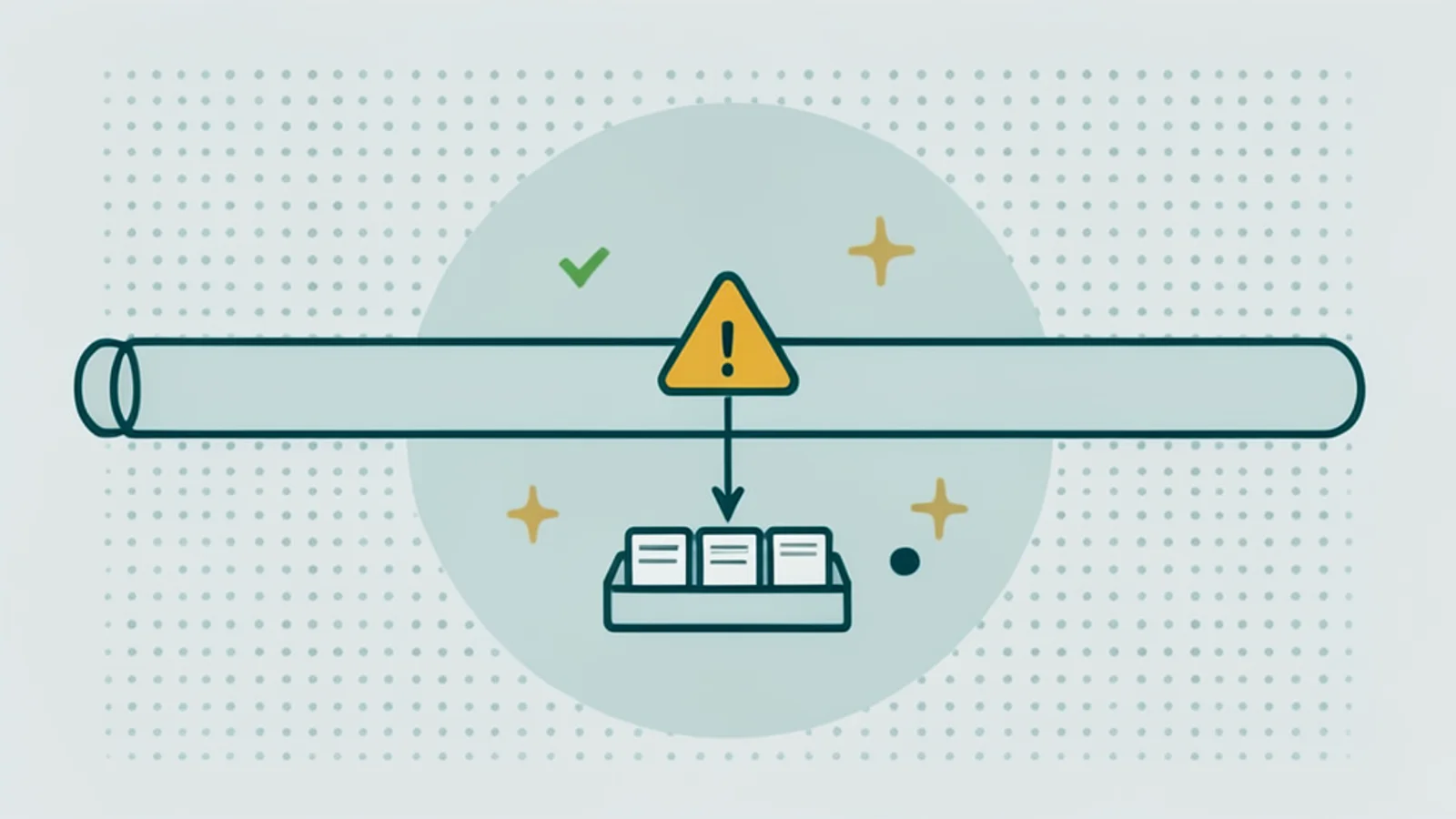
Key takeaways
- Most shop, PIM and ERP integration failures fall into five families: mapping and validation, missing master data, price or customer blocks, availability conflicts, and infrastructure errors.
- Build the error taxonomy from real contracts such as IDoc status records and OData error objects, and fingerprint errors so the same class always maps to the same runbook.
- Classify rules-first and use the LLM only for unstructured runtime text; the agent acts only through allowlisted, audit-logged runbook actions.
- Retry only idempotent operations with bounded attempts and exponential backoff with jitter; data and validation errors go to quarantine and a ticket for the owning team.
- MuleSoft’s 2026 benchmark reports that IT teams spend 36% of their time on custom integration work, so measure failed messages per interface, time to resolve and the share resolved without a person.
ERP integration error handling is the operational side of connecting a shop, a PIM and an ERP: reading failed messages, deciding whether to retry or fix, finding whose system owns the fix, and knowing which orders are affected. An agent can take most of the reading and sorting off the integration team, as long as it classifies against a real error taxonomy, acts only through a short list of safe runbook actions, and leaves every change to business data with people.
This article covers what breaks between shop, PIM and ERP, a taxonomy built from SAP’s error contracts, the agent’s triage loop, safe retries and runbooks, queue and dead-letter mechanics, guardrails, the business case and when a rules engine is the better answer. The design of the sync itself is in the Pimcore ERP delta sync.
What breaks between shop, PIM and ERP?
Five failure families cover most incidents: mapping and validation errors, missing or blocked master data, price and customer status blocks, availability and allocation conflicts, and authentication, timeout and infrastructure errors. Every triage answers three questions: retry or fix, whose system owns the fix, and how many orders are affected.
The distinction between retry and fix matters most. Only the last family improves with time; a missing material or a blocked customer fails the same way on every retry, and an integration that retries those forever turns one data problem into hundreds of noisy alerts. Working on B2B commerce systems with Spryker and Pimcore, I have found that the part teams keep after a project is not the integration code but the runbook library and the error dashboard, so design for those from the start.
How do you build an integration error taxonomy?
Build it from the error contracts your systems already emit, not from labels you invent. SAP gives you two good ones: IDoc status records and OData error objects.
- IDoc status records. Per SAP’s status list, cross-checked in SAP Community, 51 means “Application document not posted”, 53 “Application document posted”, 64 “IDoc ready to be transferred to application”, 66 “IDoc is waiting for predecessor IDoc” and 68 “Error, no further processing”. SAP’s ALE documentation says inbound processing of a failing IDoc is terminated, a workflow item is raised, and after correction the IDoc is resubmitted; report RBDMANI2 resubmits status 51 and 63 IDocs and can be scheduled to collect those that failed on a lock (SAP Library).
- OData error objects. An OData V4 error response is a JSON
errorobject with a language-independentcode, a message, an optionaltargetpointing at the offending property, and adetailsarray. SAP CAP adds a numeric severity, and draws a clear line: throwing aServiceExceptionaborts and rolls back, while messages added through the Messages API do not stop processing (SAP CAP). A warning with a target is a report, not a retry candidate.
| Error class | Detection signal | Retryable? | Safe first action | Fixing owner |
|---|---|---|---|---|
| Mapping, validation | IDoc 51 with field message; OData error with target | no | quarantine, ticket with field | integration team |
| Missing master data | IDoc 51, “material not found” | no | quarantine, ticket | master data team |
| Customer or price block | application message on posting | no | notify order desk | sales, finance |
| Availability, allocation | ATP or allocation message | sometimes | notify, retry after replenishment | supply chain |
| Lock, timeout, 5xx | IDoc 51 on lock; HTTP 5xx; queue retry | yes, if idempotent | bounded retry | platform team |
How does the agent’s triage loop work?
Normalize every signal into one record, classify with rules first, decide from the taxonomy, act within an allowlist, record what happened, and deduplicate by fingerprint. The LLM is one component of the classifier, used only for unstructured runtime text that no rule matches.
// One record shape for every signal (sketch)
type IntegrationError = {
  source: 'idoc' | 'cpi' | 'odata' | 'queue' | 'shop'
  interface: string      // e.g. "ORDERS inbound", "stock sync"
  entityKey: string      // order number, material, customer
  code: string           // IDoc status + message class/number, OData error code, DLQ reason
  target?: string        // OData target path or IDoc segment/field
  text: string           // runtime message text: untrusted input for any LLM step
  retryCount: number
}

// Same class, same runbook: fingerprint without volatile values
const fingerprint = (e: IntegrationError) =>
  sha256([e.source, e.interface, e.code, e.target ?? '', stripVolatile(e.text)].join('|'))
// stripVolatile removes ids, numbers and timestamps, so
// "material 4711 not found" and "material 4712 not found" share one fingerprint
The fingerprint is what turns a flood into a list. Two hundred failed order IDocs with the same missing material become one incident with a count and a list of affected orders, linked to one ticket. Treat the runtime text as untrusted input: it can contain customer-supplied strings, so the LLM step only classifies and summarizes, and never decides an action outside the taxonomy. My own jev-decide skill has the same shape, a typed decision with a confidence where low confidence goes to a human, and the triage classifier should return exactly that: error class, retryable, owner, confidence.
When is a retry safe, and what goes in a runbook?
A retry is safe when the error is transient and the operation is idempotent, and it stays safe only when attempts are bounded and spread out. Everything else is quarantine plus a ticket. A runbook is a short list of named actions per error class: auto-retry, quarantine and assign an owner, notify, open a ticket with context, or propose a mapping change.
Idempotency is a receiver-side contract. Stripe’s API is the clean reference: an idempotency key lets a caller repeat a request without performing the operation twice, and reusing a key with different parameters returns an error (Stripe). Any call that creates a sales order, delivery or invoice needs the same contract before an agent may retry it; the duplicate sales order is the failure that costs real money, which is why email order entry automation puts the key on the create call. Backoff alone is not enough either: in AWS’s simulation of 100 contending clients, adding full jitter to capped exponential backoff cut the call count by more than half (AWS).
// Capped exponential backoff with full jitter, for idempotent operations only
function retryDelayMs(attempt: number, baseMs = 1_000, capMs = 60_000): number {
  const ceiling = Math.min(capMs, baseMs * 2 ** attempt)
  return Math.random() * ceiling
}

const MAX_ATTEMPTS = 5   // bounded: after that, quarantine and open a ticket
The runbook library is also the feedback loop. When the same fingerprint keeps landing in quarantine, the agent proposes a mapping fix as a ticket to the data owner, with the count, the affected orders and the example payload. That is how recurring classes disappear instead of being handled forever. Retrying LLM API calls follows similar rules but a different failure mode, covered in LLM rate limits, retries and provider fallback.
Which queue and dead-letter mechanics should you know?
Know exactly what lands in each dead-letter queue, because the rules differ per platform and an agent that assumes the wrong one misses failures. Three examples cover most stacks.
- SAP Cloud Integration JMS queues: for non-exclusive JMS queues, as documented by SAP in 2017, the retry interval defaults to one minute, exponential backoff doubles it after each failure, and a maximum interval of 60 minutes or more is recommended (SAP Community). The dead-letter queue there is narrow: it holds messages that could not be processed because a node crashed, retried twice and then parked for manual action; messages that fail because of a processing error do not go there (SAP Community). Newer exclusive queues behave differently, so check which kind an interface uses.
- Amazon SQS: a redrive policy with
maxReceiveCountmoves messages to a dead-letter queue, whose expiry is based on the original enqueue time, so its retention must be longer than the source queue’s (AWS). - Azure Service Bus: dead-lettered messages carry
DeadLetterReasonandDeadLetterDescription, for exampleMaxDeliveryCountExceededafter the default of 10 deliveries, and Microsoft recommends putting the exception type and stack trace into those fields (Microsoft Learn). That is free input for the classifier.
Durable execution engines encode the same rules as defaults. Temporal retries activities with exponential backoff, a coefficient of 2.0 from a one-second initial interval up to 100 seconds, treats a maximum of zero attempts as unlimited, and its documentation names bad input data as the reasonable case for a non-retryable error (Temporal). If you run order workflows on it, the agent reads its failures like any other signal; the platform itself is reviewed in Temporal.
Which guardrails does a triage agent need?
Read-only by default, actions from an allowlist only, a dry-run mode, approval gates per action class, and a full audit trail. OWASP’s Top 10 for LLM applications lists excessive agency, giving an LLM-driven system more functionality, permissions or autonomy than its task needs, as LLM06 in its 2025 edition (OWASP GenAI).
A good ticket is half the value. It carries the interface, the IDoc number or message ID, the message class and number, the entity key, the fingerprint count, the affected orders and a link to the runbook. I open tickets like that every day through a Jira MCP server with 20 tools, and the difference between a ticket with context and one without is measured in analyst minutes.
What is an integration triage agent worth?
It is worth the integration time it frees and the failed orders it surfaces before customers notice. No published figure exists for analyst hours saved by triage automation or for the cost of a failed B2B order, so the business case rests on context numbers and your own baseline.
- Integration load: MuleSoft’s 2026 Connectivity Benchmark, a survey of 1,050 IT leaders from October to November 2025, reports that IT teams spend 36% of their time designing, building and testing custom integrations, that the average organization runs 957 applications with 27% connected, and that 26% of IT projects missed their deadline (MuleSoft).
- Order errors drive churn: in a Sana Commerce study of 750 B2B buyers from September 2024, 33% reported order errors caused by inaccurate web-store data and 75% would consider switching suppliers for a better experience (Procurement Magazine; vendor survey).
For a head of e-commerce operations or an ERP integration lead, baseline four numbers before the pilot: failed messages per interface per week, time to resolve per error class, the share resolved without a person, and manual touches per failed order. Then count the recurring classes that disappear through mapping fixes; that number is the one a COO understands.
When should you not build an agent for this?
Do not build one when message volume is low, when every signal is already structured, when there is no observability to read from, or when the real problem is an unresolved design flaw upstream. In those cases a rules engine plus alerting wins, and an LLM adds cost and a new failure mode without adding signal.
A one-page implementation checklist
- Pick one interface and one error class for the pilot, such as inbound order IDocs.
- Write the taxonomy from real status codes and error objects, with an owner per class.
- Normalize all signals into one record shape and fingerprint without volatile values.
- Classify rules-first; send only unmatched free text to the LLM, with a confidence threshold.
- Allowlist the actions, start in dry-run mode, and require approval per action class.
- Retry only idempotent calls, bounded, with backoff and jitter.
- Log every decision and action with the fingerprint, the rule or model version and the outcome.
- Baseline the four metrics and review recurring classes monthly with the data owners.
A fixed-scope triage pilot on one interface, with a written taxonomy, a runbook library, dedup reporting and a before-and-after from your own logs, is a well-defined project. If you want help scoping one, see my B2B e-commerce work.
Sources
- SAP Library: IDoc interface and ALE exception handling
- SAP Community: IDoc status codes
- SAP CAP: indicating errors (Java)
- SAP Community: Cloud Integration asynchronous messaging with retry using JMS (2017)
- SAP Community: Cloud Integration dead-letter handling in the JMS adapter (2017)
- Temporal: retry policies
- Amazon SQS: dead-letter queues
- Azure Service Bus: dead-letter queues
- Stripe API reference: idempotent requests
- AWS Architecture Blog: Exponential backoff and jitter
- MuleSoft: 2026 Connectivity Benchmark Report
- OWASP GenAI Security Project: LLM06:2025 Excessive Agency
Frequently asked questions
What does IDoc status 51 mean?
Per SAP’s IDoc status list, status 51 means “Application document not posted”: the IDoc reached the application but posting failed, for example because of missing master data, a validation error or a lock. Inbound processing of that IDoc stops; after the cause is fixed it can be resubmitted, for example with report RBDMANI2, which SAP also suggests scheduling for lock problems.
Which ERP integration errors are safe to retry automatically?
Transient infrastructure errors such as timeouts, 5xx responses and locks, and only when the operation is idempotent, with bounded attempts and backoff with jitter. Data and validation errors, such as a missing material or a blocked customer, do not improve with retries; they belong in quarantine with a ticket to the team that owns the data.
Can an AI agent fix ERP integration errors on its own?
It should not change business data. A useful agent reads signals, classifies errors, deduplicates incidents and executes a short allowlist of safe actions such as a bounded retry or opening a ticket with full context. Fixing a customer record or a mapping is a human change, proposed by the agent and approved by the data owner.
What is a dead letter queue in SAP Cloud Integration?
In Cloud Integration’s non-exclusive JMS queues, as documented in 2017, the dead-letter queue holds messages that could not be processed because a worker node crashed: they are retried twice and then parked for manual action. Messages that fail because of a processing error do not go there, so they need their own monitoring.
How do you measure an integration triage agent?
Baseline before the pilot and compare after: failed messages per interface per week, time to resolve per error class, the share resolved without a human, manual touches per failed order, and recurring classes eliminated through mapping fixes. No published benchmark exists for these, so your own logs are the evidence.