Blog/AI agents
MCP tool design: lessons from a 20-tool Jira server
MCP tool design that agents get right: token cost of tool definitions, when to merge tools, naming, concise output, errors that steer and a small selection eval.
Balázs Csorba··10 min read
- MCP
- Tool design
- Context engineering
- Jira
- Agents
Key takeaways
- Tool definitions are loaded before any work: a lean 15-tool MCP server cost 3,185 tokens, GitHub's 85-tool server 26,644.
- Design tools around agent tasks, not REST endpoints: merge operations that are always called together, keep reads and writes separate.
- Namespace tool names and write descriptions that state the output, the query format, limits and one example.
- Return names instead of UUIDs with a concise default; Anthropic's example shrank a result from 206 to 72 tokens.
- Report recoverable failures as isError results with actionable text, and measure tool selection with a small eval after every change.
MCP tool design is the work of choosing which tools a Model Context Protocol server exposes, and how each one is named, described, parameterized and answered, so that an agent picks the right tool on the first try and spends as few tokens as possible doing it. The protocol only moves the calls. Whether the agent succeeds depends almost entirely on the tool surface you give it.
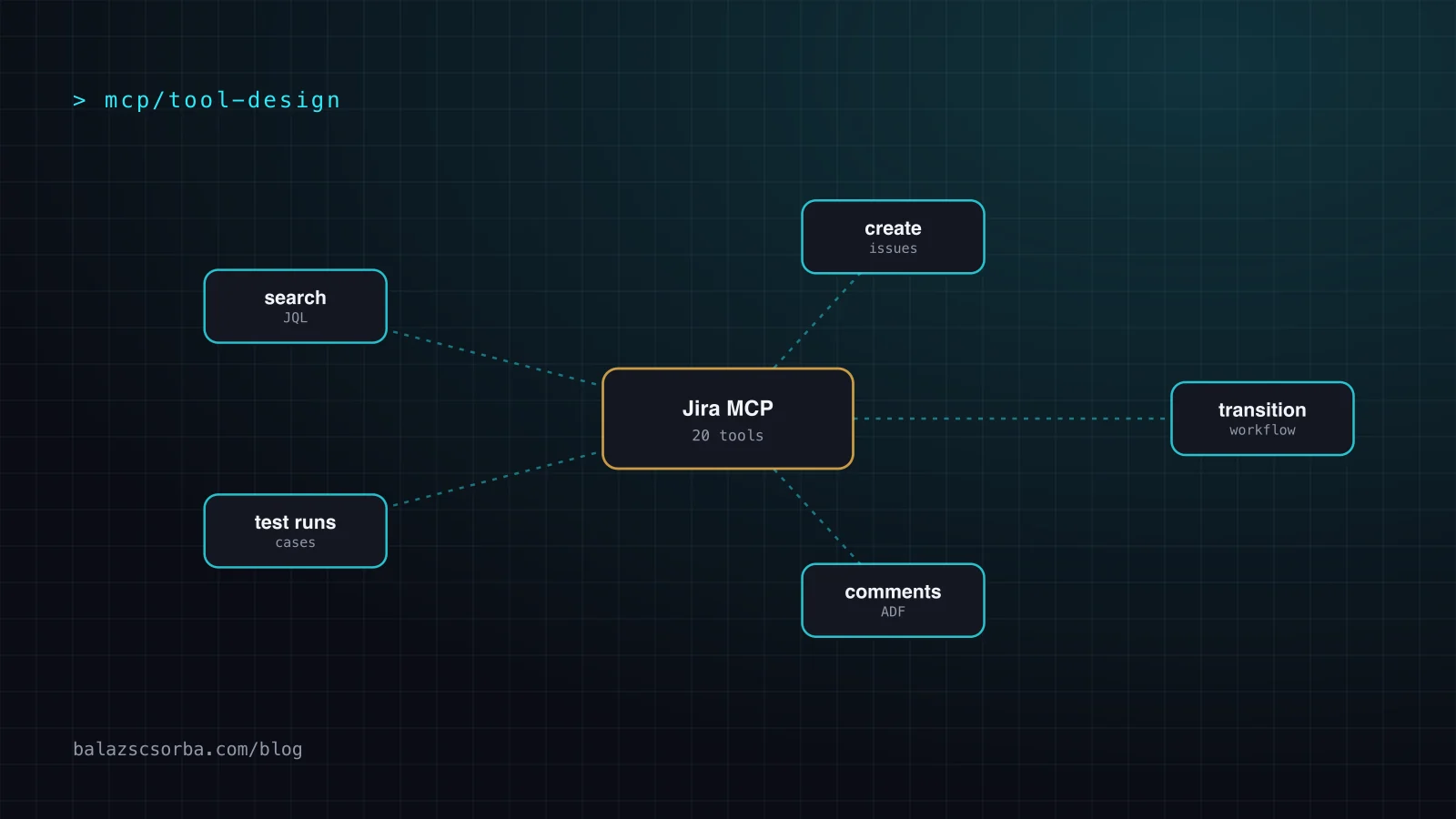
I wrote a Jira MCP server with 20 tools: search, create, update and transition issues, comments, attachments, epics, and test cases and runs. Jira is a useful test case because its REST API is wide and its data is noisy. This post collects the design rules that matter most, backed by the published measurements from Anthropic and others: what tool definitions cost, when to merge tools, how to name them, what to return, how to report errors, and how to check the result with a small eval.
How many tokens do MCP tool definitions cost?
Every tool definition is loaded into the model's context before the agent reads your prompt, so a large server costs thousands of tokens on every turn. Measured numbers range from about 3,000 tokens for a lean 15-tool server to more than 100,000 tokens for a large multi-server setup.
Blocks.ai measured the schema cost with Claude Sonnet 4's token counter by diffing a request with and without the tools attached: a 15-tool server cost 3,185 tokens, and the GitHub MCP server with all 85 tools enabled cost 26,644. Anthropic's advanced tool use post (24 November 2025) describes a five-server setup (GitHub, Slack, Sentry, Grafana, Splunk) at about 55,000 tokens, and tool definitions reaching 134,000 tokens before optimization at scale.
Divide the two Blocks.ai numbers and you get roughly 210 tokens per tool for the lean server and about 310 for GitHub's. The per-tool cost is not the main lever. The count is. Twenty tools is a reasonable size for a whole product like Jira; eighty-five is what happens when every endpoint becomes a tool.
Should MCP tools mirror the REST API one to one?
No. Mirroring every REST endpoint as a tool is the most common MCP design mistake: it multiplies definitions and forces the agent to chain low-level calls. Build tools around the tasks an agent performs, and merge endpoints that are always used together.
Anthropic's Writing effective tools for agents (11 September 2025) gives the canonical examples: instead of list_users, list_events and create_event, build schedule_event; instead of read_logs, build search_logs that returns only relevant lines; merge get_customer_by_id, list_transactions and list_notes into get_customer_context. A consolidated tool can make several API calls under the hood.
For a tracker like Jira the test is concrete. When an agent comments on a ticket, does it always fetch the ticket first? When it moves a ticket, does it need to know which transitions are allowed? Wherever the answer is "always", the second call is a candidate to fold into the first tool's result. Wherever the answer is "only sometimes", keep the tools apart.
The side-effect branch matters for safety as much as for accuracy. A read-only search and a write that changes a ticket's status should stay separate tools, so a host can auto-approve one and ask a human about the other. That is the same boundary my agent skills enforce elsewhere: humans approve anything public or irreversible.
How should you name and describe MCP tools?
Name tools with a verb and a namespace the agent can't confuse with another server's tools, and write each description as if you were onboarding a new colleague: what the tool does, when to use it, what the parameters mean, and what comes back.
The MCP tools spec asks for names of 1 to 128 characters using letters, digits, underscore, hyphen and dot, unique within a server. Uniqueness across servers is not guaranteed: two servers can both expose search, and clients are told to disambiguate, for example by prefixing a server identifier. Don't rely on the client doing that well. Anthropic reports that choosing prefix- or suffix-based namespacing (jira_search versus search_jira) had "non-trivial effects" on their tool-use evaluations, so pick one and test it.
Descriptions carry most of the selection signal. Anthropic writes that "even small refinements to tool descriptions can yield dramatic improvements". In practice that means:
- Say what the tool returns, not only what it does. An agent chooses the next call based on the expected output.
- Name the query language or format when there is one. A search tool that takes JQL should say so and show one example.
- Use unambiguous parameter names:
issue_keyrather thanid,user_emailrather thanuser. - Put limits in the description: page size, maximum result count, which fields are editable.
// Illustrative tool definition (not copied from a real server)
{
  "name": "jira_search_issues",
  "description": "Search Jira issues with a JQL query, e.g. project = PROJ AND status = \"In Progress\". Returns up to `limit` issues with key, summary, status and assignee name. Use response_format \"detailed\" only when you need descriptions or custom fields.",
  "inputSchema": {
    "type": "object",
    "properties": {
      "jql": { "type": "string", "description": "JQL query" },
      "limit": { "type": "integer", "description": "Max issues, default 20" },
      "response_format": { "type": "string", "enum": ["concise", "detailed"] }
    },
    "required": ["jql"]
  }
}
What should an MCP tool return?
Return the smallest result that lets the agent take its next step: human-readable fields instead of internal IDs, a concise format by default, and pagination or truncation with instructions when the result is large.
Anthropic's tool-writing guide found that resolving opaque alphanumeric UUIDs into meaningful language "significantly improves Claude's precision", and that fields like name and file_type inform the next action far more often than raw identifiers. Its ResponseFormat example shows the size difference: the same Slack thread cost 206 tokens in a detailed format with IDs and 72 tokens in a concise one, about a third. Offering both, with concise as the default, lets the agent ask for IDs only when a follow-up call needs them.
Size limits are not hypothetical. Claude Code caps tool responses at 25,000 tokens by default, according to the same guide. A tracker search that returns full descriptions, comment threads and every custom field will hit that cap on a busy project. Page the results, pick sensible defaults, and when you truncate, say so in the result and tell the agent how to get the rest (a narrower query, the next page, or the detailed format for one issue).
How should MCP tools report errors?
Report recoverable problems as tool execution errors with isError: true and a message that says what was wrong and what a valid call looks like. The model can then fix its own call instead of giving up or retrying blindly.
The MCP spec separates two kinds of errors. Protocol errors (unknown tool, malformed request) are JSON-RPC errors that models are less likely to recover from. Tool execution errors, such as input validation or business-logic failures, go into the tool result, and clients should pass them to the model so it can self-correct. Anthropic's guide makes the same point from the other side: opaque error codes and tracebacks don't help; specific, actionable messages with an example of correct input do.
Jira gave me a clear lesson here. Its API rejects wiki markup in some fields with a bare HTTP 400 and no explanation. An agent seeing only "400 Bad Request" will guess, often by retrying the same payload. The fix was twofold: send content as ADF (Atlassian Document Format), and after a write, verify the result by searching for it rather than trusting the response. The general rule for your own server: translate upstream errors into sentences an agent can act on.
// Illustrative tool execution error
{
  "content": [{ "type": "text", "text": "Transition 'Done' is not available for PROJ-42 in status 'Open'. Allowed transitions: 'Start progress', 'Close'. Call again with one of these names." }],
  "isError": true
}
When is a smaller tool list not enough? Tool search, code execution and trade-offs
When an agent needs access to hundreds of tools, consolidation alone won't keep the context small. Deferred loading (tool search) and code execution load definitions on demand instead, at the cost of an extra step and more moving parts.
Anthropic's Tool Search Tool marks tools with defer_loading: true so they are found by search instead of loaded up front. In their measurements it cut token usage by 85% and raised accuracy from 49% to 74% on Opus 4 and from 79.5% to 88.1% on Opus 4.5. Adding tool-use examples to definitions improved accuracy on complex parameters from 72% to 90%. Their code execution with MCP post (4 November 2025) goes further: presenting tools as code on a filesystem cut one workflow from 150,000 tokens to 2,000, a 98.7% saving.
| Approach | Tokens up front | Selection risk | Fits when |
|---|---|---|---|
| Mirror the REST API 1:1 | Highest; grows with every endpoint | Many near-duplicate tools | Rarely; prototypes only |
| Task-shaped tools (consolidated) | Low, about 200 to 300 per tool | Low if names and descriptions are distinct | One product, tens of tools |
| Tool search, deferred loading | Small index; definitions loaded on demand | Depends on search quality | Hundreds of tools across servers |
| Code execution over tools | Minimal; agent reads what it needs | Shifts to code correctness and sandboxing | Data-heavy workflows, large results |
The trade-offs are real. Consolidated tools hide steps, so a workflow tool that does three things needs clear failure messages for each of them. Tool search adds a round trip and can miss the right tool if descriptions are vague. Code execution needs a sandbox, which is its own security project (see sandboxing coding agents). And sometimes the right answer is not MCP at all: a CLI plus a skill file can be cheaper for local work. I compare those options in AGENTS.md, skills, MCP or CLI.
How to measure tool selection: a small eval and a checklist
You find out whether agents pick your tools correctly by running realistic tasks and checking which tools were called, with which arguments, and whether the task succeeded. Anthropic's guide to agent evals suggests starting with 20 to 50 tasks drawn from real failures.
Anthropic recommends evaluation tasks based on real workflows that need several tool calls, each paired with a verifiable outcome and optionally the expected tool calls. For a tracker server, a task might be "move every open bug in the current sprint assigned to me to In Review and comment with the PR link". Record the transcript and check three things: the tools chosen, the number of calls, and the final state in the tracker. Change one description, rerun, and compare. More on building these suites in evals for LLM features.
- Count your tools and measure their token cost with your model's token counter, with and without the server attached.
- Merge operations that are always called together; keep reads and writes in separate tools.
- Namespace every tool name and keep one convention (prefix or suffix) across the server.
- Write descriptions that state the output, the query format, limits and one example.
- Return names, not UUIDs, with a concise default and a detailed option.
- Paginate and truncate with instructions, well below the client's response cap.
- Turn upstream errors into actionable
isErrorresults, and verify writes by reading them back. - Keep
tools/listin a stable order, as the 2026-07-28 spec now recommends, so client caches stay valid. - Run a small tool-selection eval after every description change.
The protocol side is changing too; the MCP 2026-07-28 migration guide covers how handles and confirmations move into tool schemas, and the MCP server security checklist covers what can go wrong when tool descriptions themselves are malicious. If you're designing an MCP server for your own product, that's the kind of work I do as an AI engineer.
Sources
- Writing effective tools for agents – with agents – Anthropic, 11 September 2025
- Introducing advanced tool use on the Claude Developer Platform – Anthropic, 24 November 2025
- Code execution with MCP – Anthropic, 4 November 2025
- MCP vs CLI: context window cost – Blocks.ai
- Demystifying evals for AI agents – Anthropic, 9 January 2026
- MCP 2026-07-28 specification: Tools
Frequently asked questions
How many tools should an MCP server have?
There is no hard limit, but every tool costs context on every turn and overlapping tools make selection harder. Measurements put a lean server at roughly 200 to 300 tokens per tool. Tens of task-shaped tools work well for one product; if you need hundreds across servers, use deferred loading or tool search instead of loading every definition up front.
Should an MCP tool return IDs or names?
Return human-readable names by default and IDs only when the agent needs them for a follow-up call. Anthropic found that resolving opaque UUIDs into meaningful fields significantly improves precision. A response_format parameter with concise and detailed options lets the agent ask for identifiers explicitly, and the concise format can use about a third of the tokens.
What is the difference between a protocol error and a tool execution error in MCP?
A protocol error is a JSON-RPC error for problems with the request itself, such as an unknown tool or malformed parameters, and models rarely recover from it. A tool execution error is returned inside the tool result with isError set to true, for validation or business-logic failures. Clients should pass it to the model, so the message should say exactly how to fix the call.
How do I test whether an agent picks the right MCP tool?
Build 20 to 50 realistic tasks from real requests or failures, run the agent, and record which tools it called, with which arguments, how many calls it needed and whether the final state is correct. Change one description or tool at a time and rerun the same set, so you can see whether the change helped or caused a regression.