Tools/Web engineering
WebMCP: publishing tools instead of pixels
WebMCP lets a page publish typed, callable tools to an in-browser agent. What the standard does, how much of it ships today, and where a plain MCP server is still the better call.
- Type
- Browser protocol
- Pricing
- Emerging standard, open
Balázs Csorba··11 min read
- WebMCP
- Agent tools
- JSON Schema
- Chrome
- MCP
Key takeaways
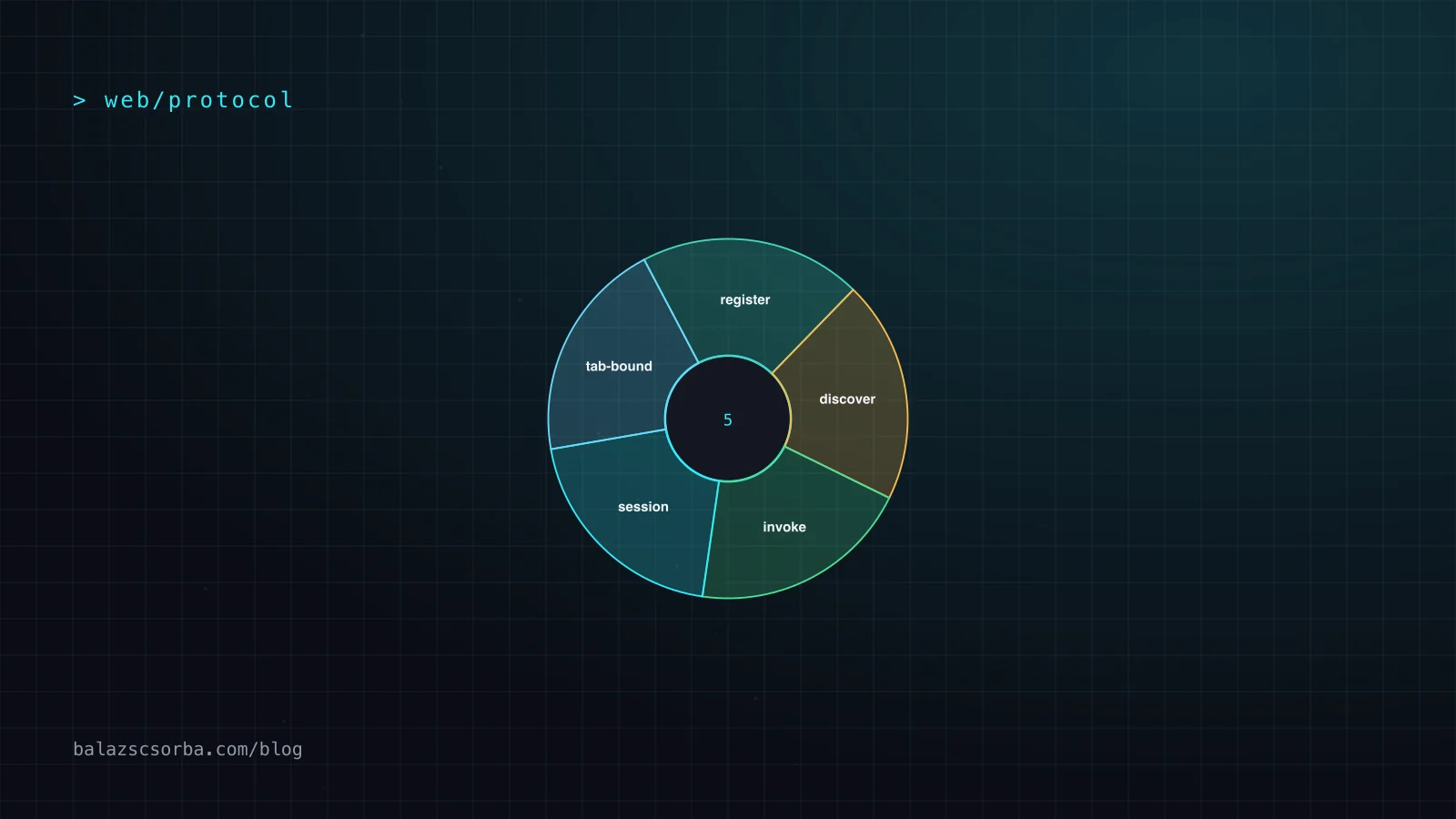
- WebMCP is a browser API proposal, not a library: Chrome 149 and Edge 150 ship it as an origin trial, and Firefox and Safari are at the standards-position stage.
- Tools are tab-bound, run the page's own code, and are gated by the tools Permissions Policy rather than by an agent guessing at the DOM.
- Chrome's guidance caps a tool description at 500 characters and a tool's output at 1.5K, so the tool catalogue is a context-window budget.
- All four tool annotations default to false, which makes a tool's safety properties exactly as honest as the page that sets them.
- There is no discovery mechanism: a client has to visit the site to learn that tools exist, which changes what the standard is commercially worth.
WebMCP is a proposed web standard that lets a page publish typed, callable tools to an AI agent instead of leaving the agent to infer intent from the DOM. The proposal is small, the browser support is thin, and the design decision is the right one. Treat it as a specification to track and a progressive enhancement to build behind feature detection, not as an integration to depend on this quarter.
It sits beside Model Context Protocol rather than against it. An MCP server exposes backend capabilities to any client, anywhere; WebMCP exposes the live, signed-in, in-tab state of a page to a browser-integrated agent, and disappears when the tab closes. The interesting engineering question is not which protocol wins. It is which one can make existing front-end logic reachable without writing a server for it.
What it is
The specification lives in the W3C Web Machine Learning Community Group and is written up in the WebMCP explainer on GitHub, where the Chrome and Edge teams are the visible implementers. Chrome ships it behind an origin trial from Chrome 149, with a local development flag at chrome://flags/#enable-webmcp-testing. The API is one object on Document, and it comes in two forms.
document.modelContextexposesregisterTool(),getTools(),executeTool()and atoolchangeevent.- A tool is a name, a natural-language description, a JSON Schema for its input, and an execute function that runs inside the page.
- The declarative API turns an annotated form into a tool, using
toolname,tooldescription,toolparamdescriptionandtoolautosubmit. - Tools are ephemeral. They exist only while the page is open and they run with the page's own cookies and session.
- Both APIs are gated by the
toolsPermissions Policy, which defaults toself, so cross-origin iframes stay off unless the host addsallow="tools". - Tool metadata sits in the model's context window, which makes the number of registered tools a per-page budget rather than only a code concern.
How it works
Registration is one call from page script; invocation is the browser mediating between the agent and the page. The browser never hands the agent a DOM handle. It parses the arguments, calls your execute function, and passes the return value back as the tool result. That is the whole ergonomics story in one sentence: the page decides what is callable, and the browser decides who may call it.
The practical difference from actuation shows up in the error path. A click on a mis-rendered element fails silently or fires the wrong handler. A tool call with a bad argument hits your own validation and returns a message the model can read and act on. Chrome's guidance makes this explicit and advises validating strictly in code while keeping the schema loose, because a schema rejection is a dead end for the agent.
Getting started
The imperative API is the one to reach for, because it is the only one that can touch application state. A minimal read-only tool looks like this.
// Feature-detect: the API is behind a flag or an origin trial.
if (typeof document.modelContext?.registerTool !== 'function') return;

const controller = new AbortController();

await document.modelContext.registerTool({
  name: 'get_order_status',
  description: 'Return the shipping status of one order for the signed-in customer.',
  inputSchema: {
    type: 'object',
    properties: {
      orderNumber: { type: 'string', description: 'Order number as shown in the order list.' },
    },
    required: ['orderNumber'],
    additionalProperties: false,
  },
  annotations: { readOnlyHint: true },
  execute: async ({ orderNumber }) => {
    const order = await orders.findForCustomer(orderNumber);
    // A message the model can act on beats a thrown Error.
    if (!order) return `No order ${orderNumber} is visible to this account.`;
    return `Order ${orderNumber}: ${order.status}, arriving ${order.eta}.`;
  },
}, { signal: controller.signal });

// Unregister on route change. From Chrome 153 aborting no longer breaks a
// call that is already running.
controller.abort();
Three details matter more than the rest. The description is the only thing the model reads to decide whether to call the tool, and Chrome's guidance caps it at 500 characters. The execute function should reuse the function the visible button already calls, so there is one code path and no chance of the interface and the tool disagreeing. The AbortSignal is the unregister path, not a timeout.
Declarative forms
The declarative API is for plain forms and nothing else. Annotate a form element and the browser derives the tool definition from the markup and the field names.
<form toolname="create_support_request"
      tooldescription="Submits a support request for the signed-in customer."
      action="/support"
      toolautosubmit>
  <label for="subject">Subject</label>
  <input id="subject" name="subject" type="text">

  <label for="reason">Reason</label>
  <select id="reason" name="reason" required
          toolparamdescription="Determines which team handles the request.">
    <option value="returns">Return a purchase</option>
    <option value="delivery">Where is my parcel</option>
    <option value="site">The website is broken</option>
  </select>

  <button type="submit">Submit</button>
</form>
Without toolautosubmit the agent fills the form and the human presses submit, which is the right default for anything with a cost attached. With it, the browser submits and navigates, and respondWith() on the SubmitEvent lets the page return a result to the model instead. The agentInvoked flag tells the page which of the two paths it is on.
Designing tools that agents pick
The published best-practice guidance is unusually prescriptive, and it is worth following literally. The framing is that a tool description is code that a probabilistic reader has to interpret once per session, and the character budgets exist to keep the whole catalogue inside that reader's attention.
| Budget | Recommended limit |
|---|---|
| Tool description | 500 characters |
| Parameter description | 150 characters |
| Tool name and parameter name | 30 characters each |
| One tool's output | 1.5K characters |
The advice above the table is the harder half: one tool per function, no overlap between tools, and registration tied to page state rather than a static catalogue loaded on every page. Overlapping tools are the most common reason an agent picks the wrong one.
- Single responsibility. One function per tool, and no second tool that does almost the same thing.
- Register for the current state. Abort the controller when the route or modal changes, so the agent does not see tools that no longer apply.
- Accept raw input. If the user said 11:00 to 15:00, take the string and normalise it in code. Do not make the model do arithmetic.
- Use readable enum values. "express" beats
shipping_id = 1, because the model reads the value, not your database. - Return actionable errors. Say what to do instead, not what broke internally. A tool that fails should still be usable.
Security and annotations
Annotations are the main lever a page has over how a host treats its tools, and all four default to false. That default is the safe one, but it means the safety properties of a tool are exactly as honest as the page that registers it.
readOnlyHintthe tool reads and changes nothing. Set it on every lookup.untrustedContentHintthe return value contains user-generated or externally sourced data and needs delimiting before it reaches the model.consequentialHintthe call books, pays, sends or deletes. Clients can use it to force a confirmation prompt.debuggingfrom Chrome 156, marks a developer tool so general-purpose agents can filter it out.
The Chrome security guidance treats indirect prompt injection as unsolved. Models are probabilistic, repeatable attacks against agentic systems exist, and a tool's return value is a channel an attacker can write to. The recommended mitigations are the annotations, the character budgets and origin isolation, which is mitigation rather than a fix. The same page notes that an extension holding host permissions can already drive the page with arbitrary JavaScript, with or without WebMCP.
Where it falls short
The weaknesses come first, because they are the reason this is a watch item rather than a dependency. Support is effectively one engine family. The specification's own status file lists an origin trial in Chrome 149 and Edge 150, experimental support in Brave's Leo chat, support in ChatGPT Desktop, and standards-position entries in Firefox and WebKit with no implementation behind them. On top of that, Chrome's documentation names headless browsing as out of scope, warns that complex interfaces will need a refactor to keep application and interface state in sync, and points out that clients have to visit a site to discover it has tools at all. There is no registry, no manifest and no index.
| WebMCP | MCP server | DOM actuation | |
|---|---|---|---|
| Lifecycle | Tab-bound, gone on navigation | Persistent daemon | One request |
| Sees | Live DOM, cookies, session | Only what you expose | Whatever the agent scrapes |
| Runs your code | Yes, in the page | No, server-side only | No |
| Reachable by | One engine family today | Any MCP client | Any browser |
The discoverability point deserves emphasis because it breaks the usual business case. A backend MCP server can be found by an agent that never visits the site. A WebMCP tool cannot. The only realistic discovery path today is a user opening the page, which means WebMCP competes on the quality of a session that has already started rather than on reach.
Verdict
WebMCP is a well-drawn API for a real problem, and it is drawn better than most teams would have shipped it themselves. It is not yet a dependency. Build the tool layer behind a feature check, keep the human interface as the primary path, and revisit when a second engine ships or when the declarative half stops being Chromium-only. For the mechanics of getting a page agent-ready today, the site's own guide to making a website agent-ready with declared tools covers the implementation detail in depth.
- Adopt it on product surfaces where a signed-in user and an agent are looking at the same page: booking, checkout, support requests, settings.
- Skip it for read-only content work. A Markdown copy of the page is cheaper and needs no browser at all.
- Skip it if your flows are mostly forms you cannot annotate, or if you cannot keep the interface in sync with the tool path.
- Do not build an MCP server expecting WebMCP to replace it. They are different layers, and the useful architecture uses both.
- Treat the character budgets and the single-responsibility rule as hard constraints on the catalogue, not as suggestions.
Sources
- Chrome for Developers: WebMCP (get started)
- Chrome for Developers: Imperative API
- Chrome for Developers: Declarative API
- Chrome for Developers: WebMCP versus MCP
- Chrome for Developers: WebMCP tool security
- Chrome for Developers: Build effective tools
- WebMCP explainer and specification draft
- WebMCP implementation status
Frequently asked questions
What is WebMCP?
WebMCP is a proposed web standard that lets a page publish typed, callable tools to an AI agent running in the browser. A page registers a name, a natural-language description, a JSON Schema for the input and an execute function, and the browser mediates calls between the agent and that function. The tools live only as long as the tab is open.
Is WebMCP a replacement for MCP?
No. Chrome's own comparison page treats the two as partners rather than rivals: MCP exposes backend capabilities to any client, persistently, while WebMCP exposes live page state to a browser-integrated agent, ephemerally. Most production setups end up using both, with MCP for business logic and WebMCP for the interface in front of the user.
Do I need the Chrome origin trial to use WebMCP locally?
No. For local development, the chrome://flags/#enable-webmcp-testing flag enables it without a token. Serving real users on Chrome 149 or later does require registering for the origin trial, and Edge 150 runs a separate trial with its own registration.
What is the biggest limitation today?
Browser support, followed by discoverability. The implementation status file in the specification repository lists origin trials in Chrome and Edge, experimental support in Brave's Leo chat and support in ChatGPT Desktop, and nothing shipped in Firefox or Safari. On top of that, the API is not designed for headless browsing, and a client can only find out that a site has tools by visiting it.