Blog/Web engineering
Order sync between shop and ERP: SAP APIs, idempotency and reconciliation
How to sync orders between a B2B shop and the ERP: SAP OData, IDoc and BAPI options, the outbox pattern, idempotency keys and routine reconciliation.
Balázs Csorba··8 min read
- ERP integration
- SAP
- Idempotency
- Outbox pattern
- Reconciliation
Key takeaways
- Order sync is a loop of transactional documents: the shop order becomes an ERP sales order, and confirmations, deliveries and invoices flow back; cancellations and returns are new documents, not deletes.
- In SAP the main routes are the OData sales order API, IDocs with message type ORDERS and basic type ORDERS05, and BAPI_SALESORDER_CREATEFROMDAT2, which needs an explicit BAPI_TRANSACTION_COMMIT.
- Write the order and an outbox row in one database transaction, accept that the relay may publish twice, and make the ERP writer idempotent on the shop’s order reference.
- Exactly-once delivery rarely survives the ERP boundary; Kafka defaults to at-least-once, so design for duplicates instead of hoping to avoid them.
- Reconciliation is routine work: compare shop and ERP states on a schedule, classify the drift, and repair through the same writer that handles normal orders.
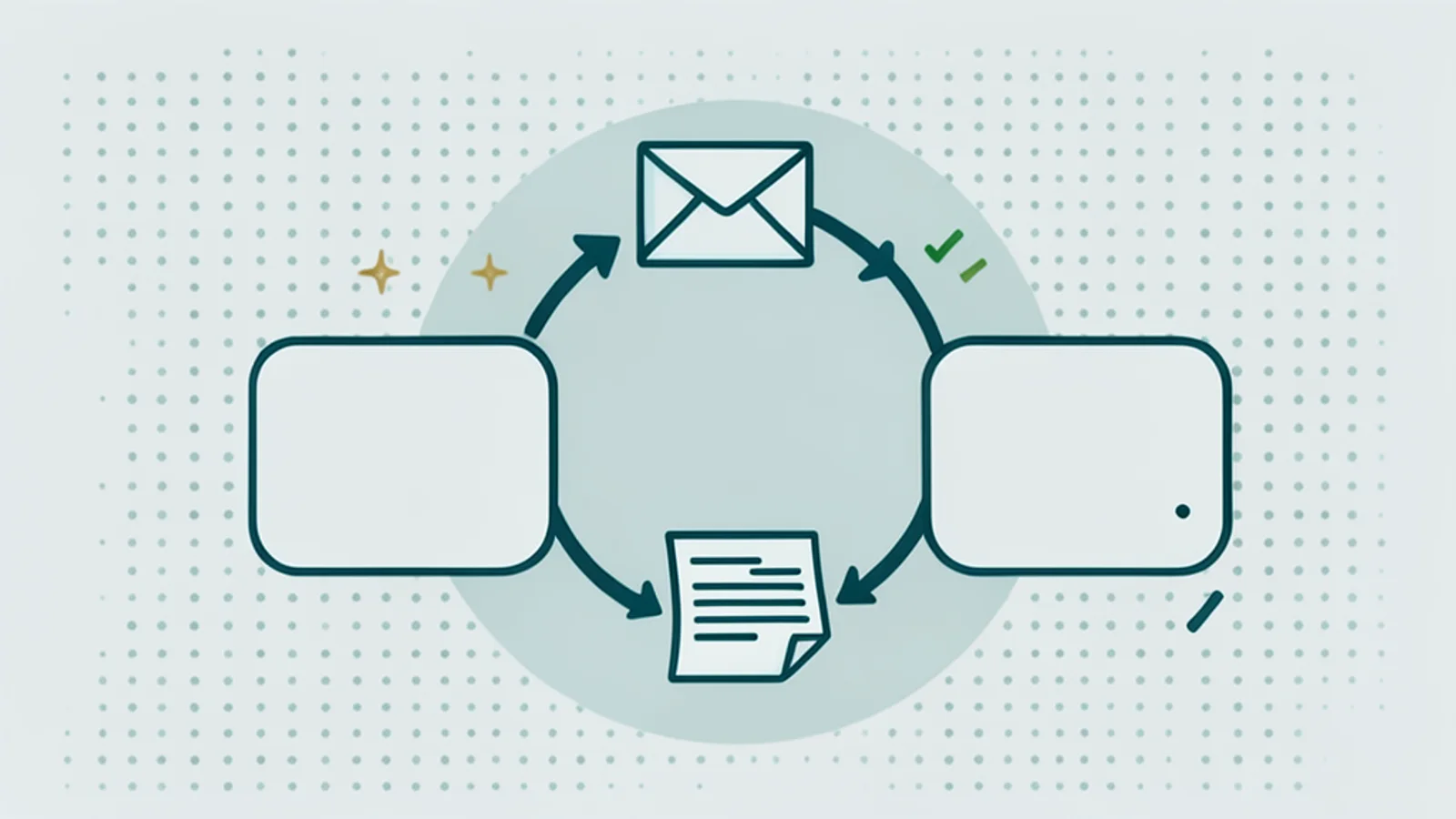
Order sync between shop and ERP is the loop of transactional documents that turns a web shop order into an ERP sales order and brings confirmations, delivery status and invoices back. Unlike product data sync, a failure here is not a wrong price on a page; it is a duplicate sales order, a lost order or an invoice that does not match, which makes it a finance incident.
This article covers who owns which state, the SAP integration options and their equivalents in Dynamics 365 Business Central and Infor, delivery guarantees, the outbox pattern with idempotent consumers, failure modes and reconciliation, and testing and observability. Product master data sync is a separate topic, covered in the Pimcore ERP delta sync.
What does order sync cover?
It covers every transactional document between the two systems: the order going out, and the order confirmation, availability and price corrections, delivery status and invoices coming back. Cancellations and returns are not deletes; they are new compensating documents that travel through the same loop.
Who owns which order state?
The shop owns the entry point and the customer’s view; the ERP owns pricing, stock allocation, credit checks, delivery and invoicing. “Synced” therefore means something different per field: the shop’s order number is shop-owned and must reach the ERP unchanged, while the confirmed delivery date is ERP-owned and the shop may only display it.
Write that ownership down per field before writing code. It decides which side wins in a conflict, which side may correct a value, and what a support assistant can honestly say; a customer-facing assistant can only answer “where is my order” if this loop is trustworthy, see AI support for B2B shops. In more than ten years of Spryker and Pimcore projects, I have seen product sync problems show up as wrong prices on a page and order sync problems show up in the finance department, which is why this post spends most of its time on idempotency and reconciliation.
Partial outcomes are the normal case in B2B, not the exception. The ERP may confirm 80 of 100 pieces now and the rest next week, replace a discontinued item, or adjust a price because a contract changed. The shop has to show those changes as they are, which means the order status model needs line-level states and the confirmation message needs to update lines, not overwrite the whole order.
Which SAP integration options exist for orders?
Three families: the OData sales order API, IDocs over ALE, and BAPIs over RFC. Each wins in a different setting, and many landscapes run more than one.
- OData API: the sales order service API_SALES_ORDER_SRV supports create, read, update and delete; a 2018 SAP Community walkthrough notes that items can only be posted through a deep insert of header and items together (SAP Community), so check the behavior on your release. The direction of travel is OData V4: SAP listed 363 V4 APIs for S/4HANA on-premise as of 15 February 2026 (SAP Community).
- IDoc and ALE: the classic EDI route uses message type ORDERS, basic type ORDERS05, process code ORDE and inbound function IDOC_INPUT_ORDERS, configured per customer partner profile; errors raise a work item, and processing can be immediate or in the background (SAP Help). ALE also supports serialization so dependent messages post in order (SAP Help).
- BAPI over RFC: BAPI_SALESORDER_CREATEFROMDAT2 creates the order from header, partner and item tables, returns the document number in SALESDOCUMENT and messages in RETURN, and does not commit; the caller must run BAPI_TRANSACTION_COMMIT (SAP Community). A forgotten commit is a classic “the API said OK but nothing is there” incident.
How to choose: if the shop runs in the cloud and needs an answer in the checkout, the OData API is the natural fit. If the customer already sends EDI orders and the SAP team runs IDoc monitoring, reusing ORDERS05 keeps one operating model. BAPIs fit middleware that already sits next to SAP with RFC access. Whatever you pick, the dedupe key and the reconciliation job stay the same, so treat the transport as replaceable.
| Option | Latency | Coupling | Delivery semantics | Typical fit |
|---|---|---|---|---|
| OData API (V2 or V4) | synchronous, seconds | direct HTTP call | caller retries; dedupe on a natural key | web shops, cloud ERP |
| IDoc over ALE | queued, minutes | asynchronous, partner profiles | status records, reprocessing | EDI, high volume, on-premise |
| BAPI over RFC | synchronous, seconds | tight, needs RFC connectivity | explicit commit; caller handles retries | middleware close to SAP |
| Batch file | scheduled, hours | loose | reruns, file-level dedupe | low volume, legacy |
What about Dynamics 365, Infor and other ERPs?
The shapes are similar, and the dedupe anchor is the detail to look for first. Business Central creates sales orders with POST /api/v2.0/companies({id})/salesOrders and returns 201 Created; its externalDocumentNumber field is the natural place for the shop’s order reference (Microsoft Learn). Infor exposes sales orders through the ION API Gateway with OAuth 2.0; its business object API paginates with a default page size of 100 and a maximum of 20,000, and error payloads carry a retryable flag (Infor).
Portability across ERPs is cheaper when the shop talks to one internal order port and each ERP gets a thin adapter. The port defines the canonical order, the dedupe key and the status vocabulary; the adapter maps fields and errors. That is also where a retryable flag such as Infor’s can feed the retry policy directly.
Which delivery guarantees can you actually get?
At-least-once, made safe by idempotency. Kafka’s default is at-least-once; since version 0.11.0.0 the idempotent producer removes duplicates caused by its own retries using a producer id and sequence numbers, and transactional exactly-once applies only when the whole pipeline stays inside Kafka (Confluent). An ERP call is outside that boundary, so exactly-once does not survive it.
That shapes the trade-off between a simple retry loop and a message bus. For one shop and one ERP with modest volume, a synchronous API call from a worker that reads an outbox table is enough. A bus pays off when several consumers need the same order events, for example a warehouse system and analytics, or when the ERP pushes its own business events; S/4HANA, for instance, can publish sales order events to SAP Event Mesh. Either way, the consumer must tolerate duplicates.
Design the retry policy per error class rather than per call. Timeouts and 5xx answers get a bounded number of retries with exponential backoff and jitter; validation errors such as an unknown customer or a blocked material go straight to a person, because repeating them only adds noise. After the last attempt, a message goes to a dead-letter store with its error, so it can be fixed and replayed through the same writer instead of being re-entered by hand.
How do the outbox and idempotency work together?
The outbox makes sure no order is saved without its message, and idempotency makes sure a message delivered twice does not create two orders. In the transactional outbox pattern, the business write and the outbox row commit in one database transaction, and a relay publishes later; the relay may publish a message more than once, so consumers must be idempotent, for example by tracking processed message ids (microservices.io).
-- One transaction: the order and the message that announces it
BEGIN;
INSERT INTO orders (id, customer_id, total, status)
  VALUES ('SO-2026-104233', 'C-40017', 1840.00, 'placed');
INSERT INTO outbox (id, aggregate_id, type, payload)
  VALUES (gen_random_uuid(), 'SO-2026-104233', 'OrderPlaced', '{"lines": 7}');
COMMIT;
// Idempotent consumer (sketch): the shop order id is the dedupe key all the way into the ERP
async function handleOrderPlaced(msg: OutboxMessage) {
if (await processed.has(msg.id)) return // the relay may deliver twice
await withLock(`order:${msg.aggregateId}`, async () => { // one writer per order at a time
const existing = await erp.findSalesOrder({ customerReference: msg.aggregateId })
if (!existing) await erp.createSalesOrder(toErpPayload(msg)) // header and items in one call
})
await processed.add(msg.id)
}Use the shop’s order id as the key all the way through, and put it into a field the ERP can search, such as the customer purchase order number on an SAP sales order or externalDocumentNumber in Business Central. For HTTP APIs you control, Stripe’s idempotency design is a good reference: the client sends a key, retries get the saved response, parameters are compared with the original request, and keys can be pruned after at least 24 hours (Stripe). Find-then-create has a race, which is why the sketch above holds a lock per order; a unique constraint on the reference in the ERP, where available, is stronger.
Which failures happen, and how does reconciliation catch them?
Duplicate sales orders, lost acknowledgments, lost orders, partial failures such as a header without items, price or unit drift, and status drift after a restore or a manual edit in the ERP. Reconciliation is the routine job that finds them, not an emergency tool.
Mercari’s engineering team describes three practical buckets for payment reconciliation that transfer directly to orders: success locally but not in the dependent system, success in the dependent system but not locally, and success in both with mismatched details, which usually needs case-by-case handling (Mercari Engineering). I would keep three kinds of state per order, what the shop wants, what it knows was applied with a last-reconciled timestamp, and what the ERP says, and let the reconciler detect, classify, record and queue a repair command. The repair itself runs through the same canonical writer as normal orders, so all the idempotency rules still apply. Track the age of the oldest unreconciled order as a metric; when it grows, something upstream has stopped.
When failures do pile up, someone has to read IDoc status records, OData errors and dead-letter queues and decide what to retry; an agent can help there, as described in an agent that triages ERP integration errors. For orders that arrive by email rather than through the shop, the same idempotency rules apply at the create call, see email order entry automation.
Testing, observability and a go-live checklist
Test against an ERP sandbox or QA client with test company codes, and make a stuck order traceable from the shop commit to the ERP acknowledgment. OpenTelemetry’s messaging conventions define publish, receive, process and settle spans with links between producer and consumer traces, which is exactly the shape of this flow (OpenTelemetry).
- Write field ownership down: which system owns which order field and status.
- Commit the order and the outbox row in one transaction.
- Carry the shop order id into a searchable ERP field and dedupe on it.
- Commit explicitly where the API requires it, such as BAPI_TRANSACTION_COMMIT.
- Send the same order twice in the sandbox and assert exactly one sales order; I script this from the real shop UI with Playwright MCP.
- Run a scheduled reconciliation in both directions and record every finding.
- Trace each order across publish, receive and process, and alert on queue age and oldest unreconciled order.
- Correct with compensating documents, never with deletes.
If you are connecting a B2B shop to SAP, Business Central or Infor and want the order loop to stay boring, see my B2B e-commerce work. Configured items add their own payload rules on top; see headless product configurators for B2B.
Sources
- SAP Community: posting sales orders into S/4HANA Cloud via API (2018)
- SAP Community: S/4HANA OData V4 APIs quick reference (15 Feb 2026)
- SAP Help: EDI inbound processing, sales order
- SAP Help: ALE inbound processing
- SAP Community: custom fields in sales document BAPIs (2024)
- Microsoft Learn: Business Central API v2.0, create salesOrders
- Infor Developer Portal: get all sales orders
- microservices.io: transactional outbox
- Stripe API reference: idempotent requests
- Confluent: Kafka message delivery guarantees
- Mercari Engineering: payment reconciliation (2021)
- OpenTelemetry: messaging spans semantic conventions
Frequently asked questions
How do you sync orders between a web shop and SAP?
Common routes are the OData sales order API, inbound IDocs with message type ORDERS and basic type ORDERS05, or the BAPI BAPI_SALESORDER_CREATEFROMDAT2 over RFC. Choose by coupling and latency needs, then add an outbox in the shop, an idempotent writer keyed on the shop order reference, and a scheduled reconciliation.
How do you prevent duplicate sales orders in the ERP?
Carry the shop’s order reference into a field the ERP can check, such as the customer purchase order number on an SAP sales order or externalDocumentNumber in Business Central, check it before creating, and keep a processed-message table in the consumer. Retries then find the existing order instead of creating a second one.
What is the transactional outbox pattern?
The shop writes the order and a message row into its own database in the same transaction. A separate relay publishes the message later and may publish it more than once, so the consumer must be idempotent. The pattern removes the gap where an order is saved but its message is lost, or the reverse.
Is exactly-once delivery possible between a shop and an ERP?
In practice, no. Kafka’s transactional exactly-once applies only when the whole pipeline stays in Kafka, and an ERP call is outside it. Design for at-least-once delivery with idempotent consumers and natural keys in the ERP, then reconcile to catch what still slips through.
What should an order reconciliation job check?
Orders that exist in the shop but not in the ERP, orders in the ERP that the shop does not know, and orders in both with mismatched details such as quantities, prices or status. Record each finding, queue a repair command, and run the repair through the same canonical writer as normal orders.